

Employee Connection Metrics Beyond Match Count
Employee connection metrics help you see whether a matching program is creating useful relationships, not just completed introductions. The right measurement looks at repeat participation, cross-team reach, onboarding support, knowledge sharing, and trust paths that make work easier.
If your program only reports how many people were matched, you are measuring activity. To understand whether people are actually becoming more connected, you need to track what happens after the match and how those connections support real work.
Why match count is not enough
A match is the start of a relationship, not the result. Two employees can be paired, meet once, and never speak again. Another pair can meet, trade context, introduce each other to useful teammates, and keep a question moving long after the first conversation. Both count as one match, but only one changed how the organization works.
This matters most in hybrid, distributed, and fast-growing teams. People often need help finding the right peer before they can ask a sensitive question, learn how a decision really gets made, or understand who has solved a similar problem before. When you measure only volume, you miss whether your connection program is reducing those everyday frictions.
LEAD.bot is built for more than random coffee chats. It supports smart, manual, random, and cross-team matching based on skills, interests, and profile data, then connects those programs to onboarding, mentoring, knowledge sharing, and employee voice. That gives you a stronger foundation for measuring relationship quality, not just calendar activity.
The employee connection metrics worth tracking
Start with participation, but do not stop there. Track whether invited employees opt in, whether they return for later rounds, and whether participation spreads beyond the same highly engaged group. A healthy program should keep familiar champions involved while also reaching quieter employees, new hires, regional teams, and people outside central offices.
Next, measure cross-team reach. Are sales teammates meeting product peers? Are regional teams building links with headquarters? Are new managers finding experienced mentors outside their reporting line? Cross-functional matching shows whether your program is breaking silos or simply reinforcing existing circles.
You should also track knowledge flow. After a connection, did someone find an internal expert faster, avoid duplicated work, or learn where to ask the next question? These outcomes can be captured through short pulse surveys, follow-up prompts, and program owner review. LEAD.bot works inside Slack and Microsoft Teams, so these lightweight checks can happen where employees already work.
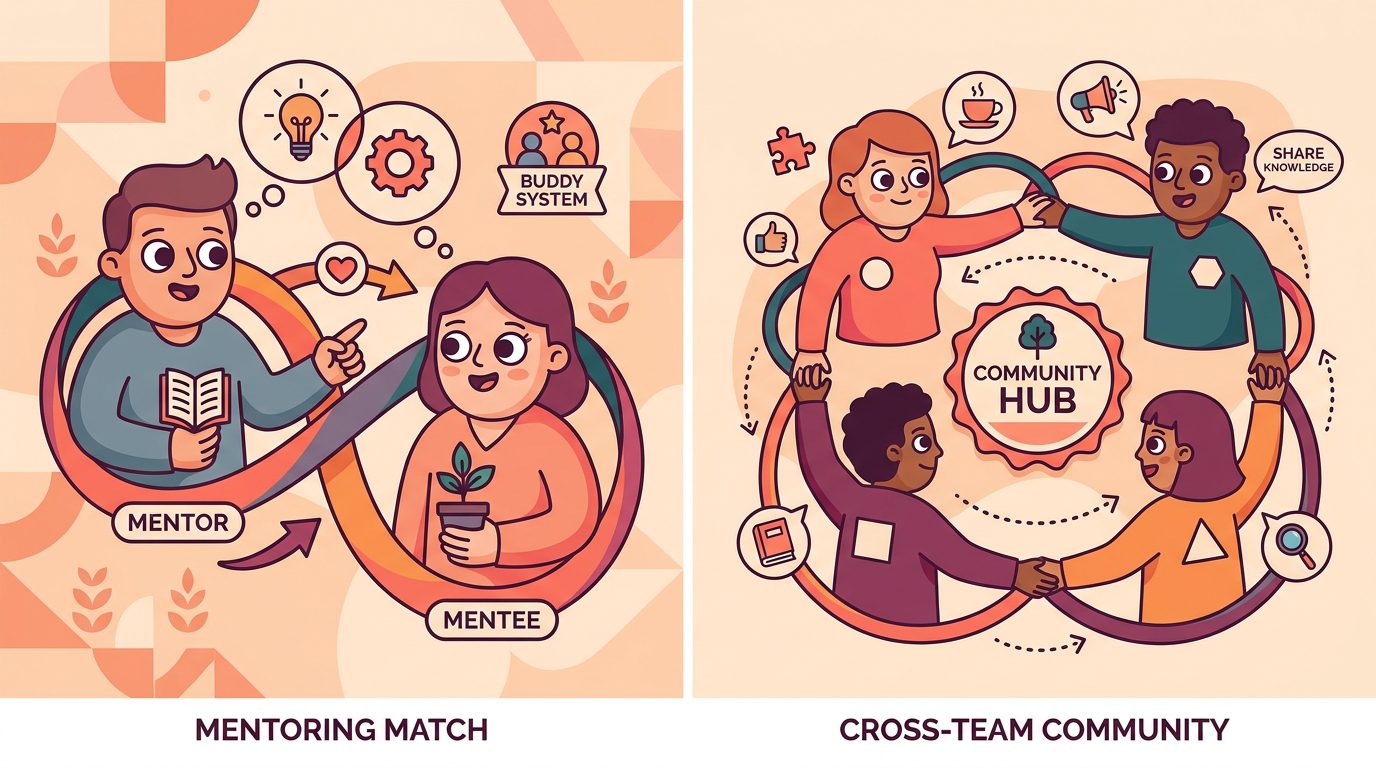
Finally, look at trust paths. A trust path is the route an employee uses when they need advice, context, or a warm introduction. If your program helps people find credible peers before a problem becomes urgent, it is building resilience into the organizational network.
How LEAD.bot connects metrics to real use cases
The easiest way to make measurement useful is to attach each metric to a specific program goal. For onboarding buddies, track whether new hires meet their buddy, whether they ask practical questions sooner, and whether they know who to approach after the first month. LEAD.bot supports onboarding buddy programs and employee integration workflows, so you can make those early connections repeatable without asking managers to coordinate every introduction by hand.
For mentoring and peer learning, measure whether matches are relevant to skills, interests, and development goals. A strong mentoring program should not only create meetings. It should help employees find people who can share career context, reverse mentorship, functional expertise, or local knowledge that would otherwise stay hidden.
For knowledge sharing, track whether employees discover who knows what. Much organizational knowledge is social. It lives in experience, relationships, and informal paths, not only in a handbook or ticketing system. That is why knowledge management improves when people can find the right colleague, not only the right document.
For organizational network health, combine connection data with employee feedback. LEAD.bot includes pulse surveys and relationship intelligence features that help teams see where collaboration is strong, where regions are isolated, and where potential leaders are emerging. You do not need to turn every relationship into a score. You do need enough visibility to see whether the network is becoming easier to navigate.
A practical scorecard for people teams
Use a simple scorecard that program owners can review every month. Include match completion, repeat participation, cross-team reach, new hire coverage, mentoring relevance, knowledge-sharing outcomes, and employee sentiment. Keep the language plain so HR, people managers, and executives can all understand what changed.
For example, a people team might see that match completion is high but cross-region participation is low. That points to a design issue, not a motivation issue. You may need smart matching rules, clearer invitations, or a separate program for regional teams. Another team might find that new hires complete buddy meetings but still do not know where to ask functional questions. That means the onboarding buddy program should connect new hires to a wider knowledge network, not only one peer.
LEAD.bot can support this kind of program design because it handles multiple connection types: virtual coffee, onboarding buddies, cross-department connections, mentoring, Watercooler microlearning, celebrations, and pulse surveys. The goal is not more meetings. The goal is better routes to people who can help.
What to improve after you review the numbers
Once you have the scorecard, make one change at a time. If the same people keep joining, adjust the invite and create smaller cohorts for less connected teams. If matches feel random, add skills, interests, role, or region data to improve relevance. If new hires still feel lost, add a second connection after the buddy match, such as a peer in another function or a knowledge owner for a common workflow.
Use pulse surveys to ask short questions after key moments. Did this introduction help you find context? Did you meet someone you would contact again? Do you know who to ask next? These questions are simple, but they reveal whether the matching program is building practical trust.
LEAD.bot has been installed by 2,000+ organizations and is designed for mentoring, networking, and knowledge sharing inside the tools employees already use. If you want connection programs that show more than activity, use LEAD.bot to design matches, support follow-up, and measure whether your organizational network is getting healthier.