

Virtual coffee mornings—they’re all the rage in our hyper-digital universe. At LEAD.bot, we’ve witnessed how these online get-togethers can be the caffeine jolt your team’s morale desperately needs.
But let’s be real, throwing together a successful virtual coffee morning takes more than just firing off a Zoom link. Nope. In this post, we’re dishing out some no-nonsense advice for creating virtual coffee shindigs that your team will actually want to show up for.
Choosing the Right Platform for Your Virtual Coffee Morning
Video Conferencing Titans
Zoom and Microsoft Teams – the heavyweights of video conferencing. They’ve each got their own flair. Zoom? Friendly as that overly enthusiastic neighbor, loaded with virtual backgrounds that scream, “I’m on a tropical beach (in my mind).” Microsoft Teams is like that reliable old friend who’s interwoven into anything Microsoft. Google Meet? It’s the minimalistic zen master – simplicity at its finest, no frills, no spills.
Essential Features
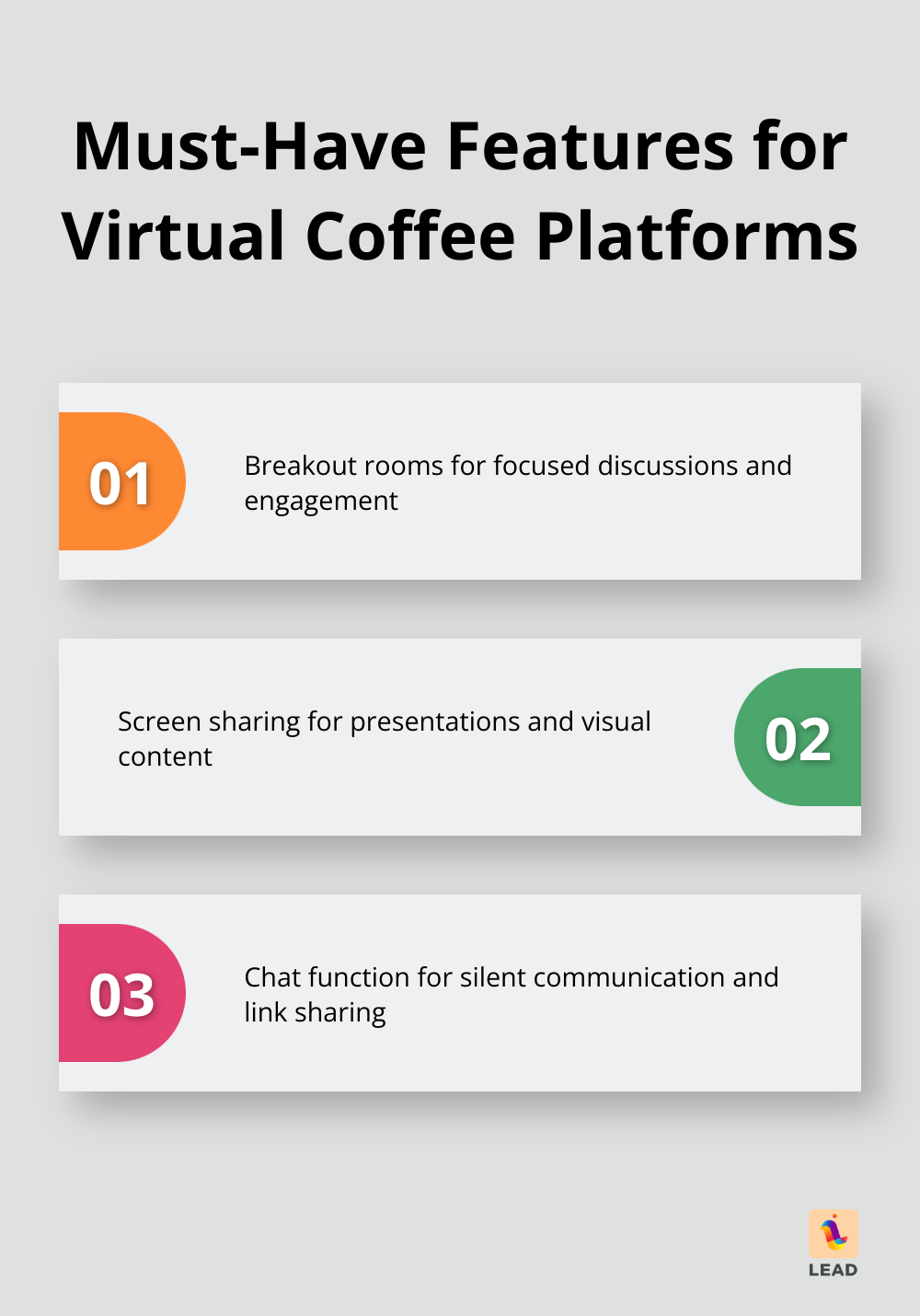
Let’s talk priorities, folks – breakout rooms. You want focus? You want engagement? These babies let you chat (or banter) like you’re huddled in a cozy café. Add in screen sharing for last-minute presentations (or, let’s be real, that cat meme that’s too good not to share). The chat function? It’s your silent ally for tossing out links or poking questions when speaking up feels, well, too much.
User-Friendly Interface
Pick a platform that doesn’t make you feel like you’re climbing Everest. Seriously, take it for a spin before the main event. Easier for you means easier for everyone else. (Heads up: LEAD.bot plays nice with both Slack and Microsoft Teams, making things smoother than a double-shot espresso.)
Accessibility Considerations
Think wide, think varied. Not everyone’s on the same page – some need captions, others are riding the slow internet train. These are the building blocks of your decision-making.
Dial-in options? Not top-tier for a coffee morning, but a lifeline for those who can’t go video. It’s about inclusion, not exclusion.
Bottom line: find what feels like home for your crew. You might stumble before you soar, but once you get the right one – your team’s gonna be counting down to these caffeine-fueled gatherings.
You’ve got your platform. Now, let’s dive into planning your virtual coffee shindig to make it an affair your team won’t want to miss.
How to Plan Your Virtual Coffee Morning
Pick the Perfect Time
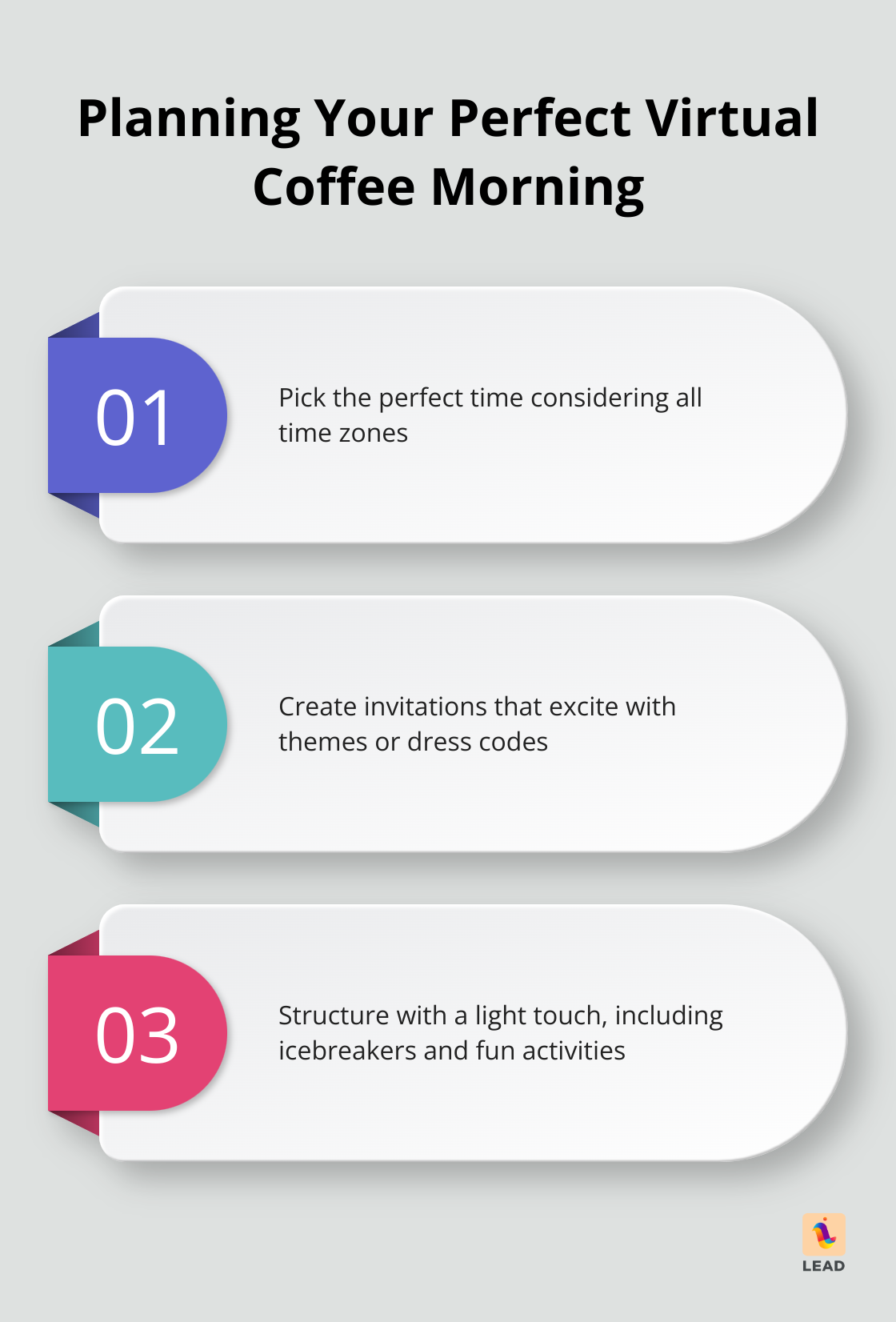
Nail the timing of your virtual coffee shindig-or you’re toast. Remote teams spread across time zones means… a scheduling puzzle. But fret not, it’s totally solvable.
Fire up those scheduling apps to gather intel on folks’ preferences. Early mornings can be the sweet spot-people are fresh off the charger, brains not yet bogged down by the day’s fire drills. (Mind those night owls though!)
Switch up the timing to show some love across various zones. It’s about playing fair, ensuring everyone gets their turn.
Create Invitations That Excite
Once you’ve wrangled the time… it’s showtime for the invites. Leave the boring calendar entries in the past; go for the razzle-dazzle!
Throw in a theme, maybe a quirky dress code. Think “Show Off Your Mug” day or “Crazy Hat Hour” to sprinkle in some fun. Design tools can whip up snazzy invites in minutes.
Make sure your invites spill the beans: date, time, platform link, and a nudge to bring a fun fact along.
Structure with a Light Touch
This ain’t a board meeting-lighten up the agenda to keep things moving. Start with a quick icebreaker to break the stiffness. (LEAD.bot can arm you with conversation starters galore.)
Research from Harvard Business Review highlights this growing trend. Research from McKinsey’s organizational insights supports this approach.
After the icebreaker, let the chat flow freely. Toss in a fun detour-how about virtual Pictionary or a lightning talent show? Just to spice things up.
Wrap up on a high. Share weekly wins, dish out thanks. It’s about setting the day’s vibe on “upbeat.”
Remember, the game plan here is connection-not a productivity marathon. Keep it light, keep it fun. Before you know it, you’ll spot stronger ties brewing with every sip.
So you’ve got the planning down-ahead, let’s dive into activities that’ll make your virtual coffee meet-ups legendary.
Spice Up Your Virtual Coffee Mornings
Break the Ice, Not the Mood
Kick off those virtual coffee get-togethers with something memorable. How about asking everyone to divulge their most cringeworthy work-from-home fiasco? It’s a surefire way to get the chuckles rolling. And hey, the old game of two truths and a lie? It’s uncanny what lengths people will go to trick their digital desk mates.
Need to jolt the energy? Go for conversation starters – the secret sauce to uncovering hidden gems in your team (like discovering that the unassuming coder moonlights as a salsa dance prodigy).
Game On, Productivity Up
If anything brings a group together, it’s a dash of competitive spirit. Try virtual Pictionary – grab that whiteboard feature on your video app, and watch the artistry unfold. Or spice things up with a rapid-fire trivia blitz about your company’s saga. It’s a blast and, who knew, maybe even enlightening.
Craving something off the beaten path? Cue up a virtual scavenger hunt. Set the timer for 60 seconds and see who retrieves the most bizarre item lurking in their home office. You won’t just be intrigued; you’ll get a glimpse into the quirky corners of your team members’ lives.
Theme It Up
Themed coffee mornings – the cherry on top for these gatherings. Picture ‘Fancy Friday,’ where everyone ditches the sweats for their sharpest or zaniest ensemble – mood boost guaranteed. Or go with a ‘Show and Tell’ segment where colleagues reveal a treasured object and its backstory.
Feeling globally minded? Try ‘Coffee Around the World.’ Everyone brings a culturally distinct coffee or tea, and spills the beans on its origin tale. Perfect for honoring diversity and sampling global wonders.
Leverage Technology
Maximize digital tools to power up your virtual hangouts. LEAD.bot syncs effortlessly with Slack and Microsoft Teams, taking the hassle out of organizing and running these sessions. From timing nudges to chat kick-starters, it’s got your back.
Keep It Fresh
Pass the planning baton for these activities around the team. This not only stirs up a medley of ideas but also gives everyone a chance to shine creatively. It keeps the enthusiasm bubbling and prevents these mornings from going stale.

Final Thoughts
Virtual coffee mornings-yes, they’re a thing-are reshaping how teams connect in today’s digital world. These little digital get-togethers? They’re like the secret sauce for building community, lifting spirits, and sparking that creative magic when face-to-face meetings aren’t really an option. Make it a regular thing, and suddenly, you’ve got a glue that keeps your team tight, especially when everyone’s working remotely.
And here’s a tool for the job: LEAD.bot. It’s like the Swiss Army knife for organizing digital hangouts, sliding right into Slack and Microsoft Teams. It’s not just about setting up virtual coffee chats-it’ll also give you insights into how your team’s really feeling. Want a stronger team vibe-and a boosted company culture? These meaningful connections are your answer.
So, dive into virtual coffee mornings. Fire up that webcam, grab your go-to mug, and brew up some true connections with your teammates. Watch how your workplace becomes more connected- and more productive.
