
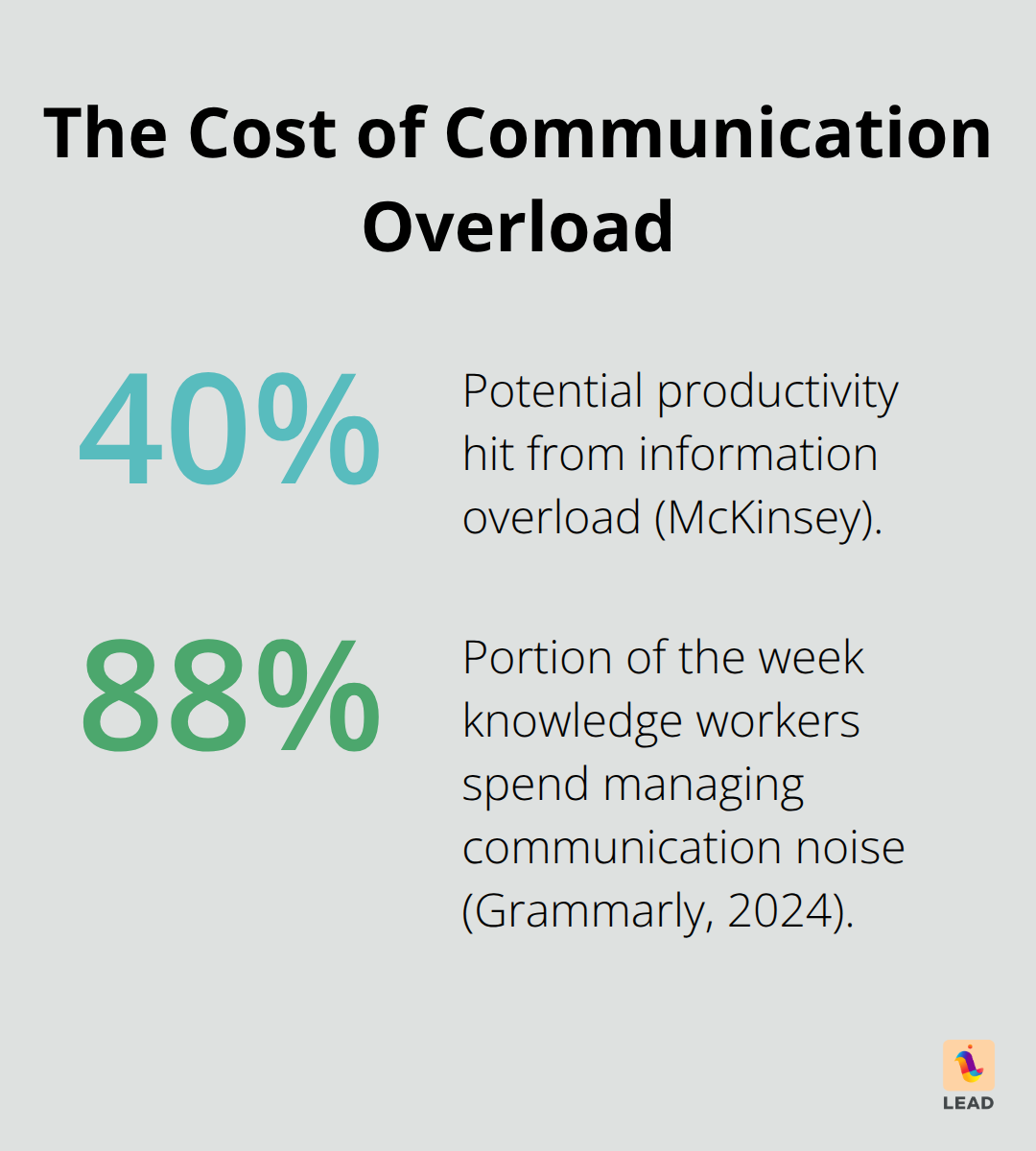
Modern workplaces—you got it—are under siege, folks. There’s an avalanche of info and communication clogs that, you won’t believe it, can slash productivity by up to 40%. Yep, that’s McKinsey talking.
Over here at LEAD.bot, we’re watching teams get tangled daily in email spaghetti, adrift in a sea of scattered messages, and drowning in a deluge of needless updates. The answer? It’s not about pulling all-nighters—it’s about getting savvy with communication strategies that actually work… smart.
Why Communication Chaos Happens
Picture this-a knowledge worker’s nightmare is kicked off with a number that feels almost quaint until you live it: 121 emails per day. Yep, you read that right. That’s practically an email every four minutes during your typical eight-hour workday. But hold on, it’s not just about drowning in emails-it’s the total lack of what I’d call “email discipline.” That’s right, the inbox becomes this digital graveyard where your important stuff gets buried under a landslide of promotions and those endless reply-all hurricanes.
The Multi-Platform Madness
And then… there’s the circus of multi-platform madness. Picture juggling, if you will, and now picture doing it with nine blazing torches-because the average team is trying to use nine different communication tools, all at once, with no real strategy to keep ’em in sync. You’ve got Slack notifications going off like fireworks while Teams calls crash the party, and meanwhile, email threads are merrily carrying on all by themselves. According to Grammarly’s 2024 report, knowledge workers are spending a crazy 88% of their week just trying to keep up with all this communication noise. Who’s winning? Chaos.
Updates get lost, decisions take forever, and we’re left replaying conversations from memory-ouch.
The Priority Problem
Now, let’s talk priorities-or, uh, the lack of them. Most organizations out there treat every message like it’s a five-alarm fire. The side effect? Total decision fatigue. Employees are out here, trying to figure out if they need to act on the CEO’s latest memo or the cafeteria’s mystery meat menu. Research shows professionals are seriously struggling to find what’s actually important among all the noise. It’s a never-ending stream of pings that leads to anxiety and forces everyone to compulsively check every channel, just to make sure they don’t miss The Big One, while drowning in a sea of irrelevance that just nukes focus and kills deep work.
The Hidden Cost of Context Switching
And don’t even get me started on the cost of context switching. Every time you flip from one platform to another, guess what you’re losing? On average, 23 minutes just to get your head back in the game (thanks, University of California, for that nugget). When you’re bouncing between email, chatting it up, video calls, maybe sneaking a peek at that project management tool, you’re draining mental energy. Your brain? It’s a deer in headlights, juggling info from a dozen places at once. It’s not just a productivity hit-it’s a communication bottleneck that spreads like a virus across the entire org, especially in hybrid places where everything’s already ten times more complicated.
These epic fails in communication demand not just some tech band-aid or cheap fix but real-deal solutions-strategies that cut through the crap and align with how we humans actually operate.
How to Stop the Communication Chaos
Let’s get to it-brutal simplicity, folks. One channel per function, and voila, the madness stops. No more hopping like a caffeinated squirrel. Email? That’s your podium for formal announcements. Slack? It holds the fort for quick team updates. Complex discussions? Grab a video call. When organizations hammer out clear communication protocols, watch what happens-productivity goes through the roof, even as remote work turns our homes into offices. Set the clock: internal messages get a 4-hour window, client talks get 2, and true emergencies? Immediate. Not micromanaging-restoring sanity.
Smart Filters Save Hours Daily
Here’s the kicker-tech that doesn’t make you feel like you’re drowning. Email filters-oh yeah. They sort your inbox by sender, subject, or even the fire under them. Simple move, but it spares knowledge workers a daily slog of manual sorting, slashing down time wasted. Get smart with notification schedules. Don’t jump with every ping. Check the chirps at 9 AM, 1 PM, and 4 PM. Tools like Boomerang or Mixmax-they’re your after-hours shield. Setup auto-responses that reroute folks to the right info palaces. The aim? Less decision fatigue, not confusing option lists.
Priority Systems That Actually Work
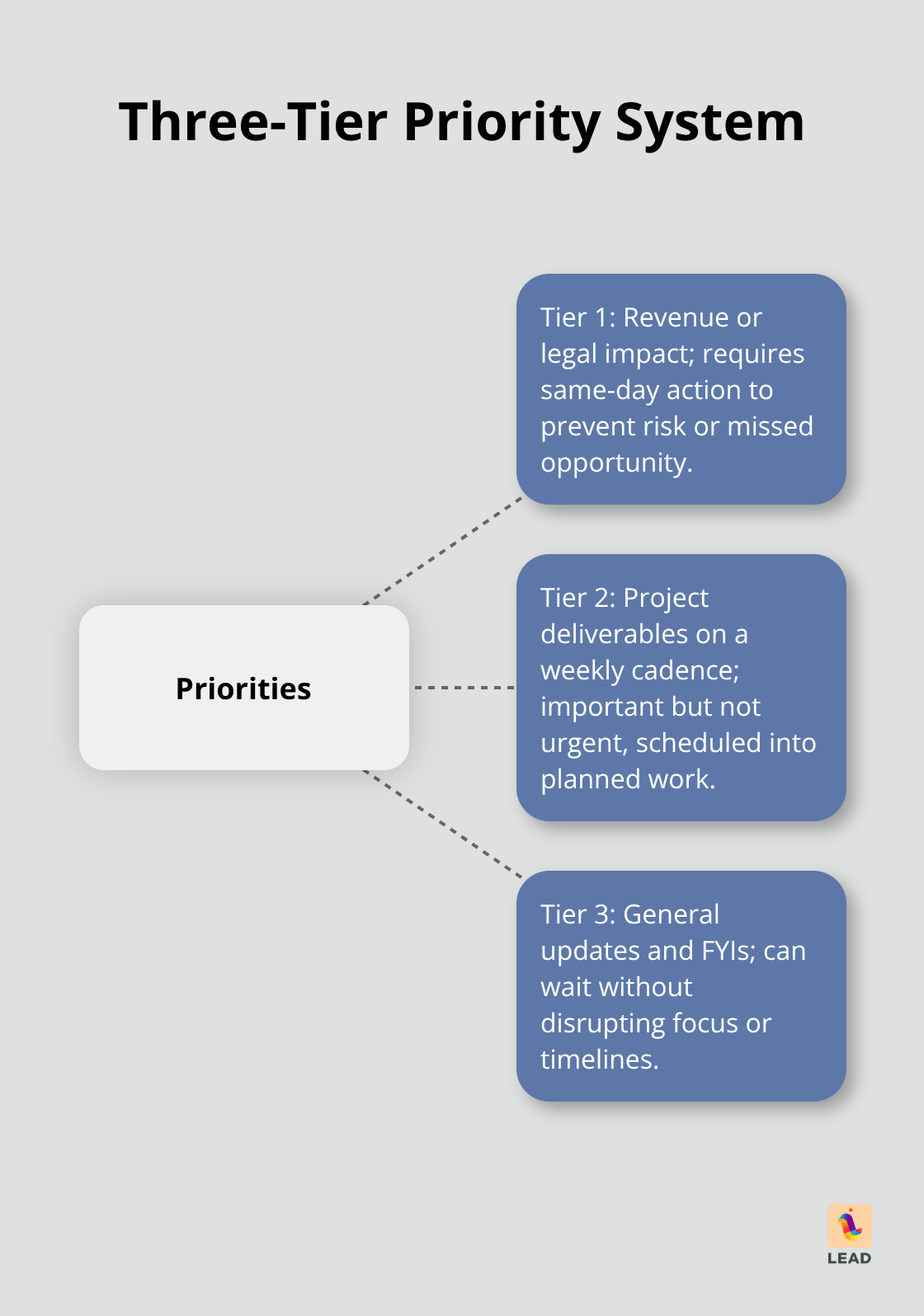
Forget the noise-adopt a three-tier priority system. Tier 1: Has to do with revenue or legal stuff-same-day action needed. Tier 2: Those looming project deliverables, due every week. Tier 3: General updates, basically FYIs that can chill.
Fun fact: task-switching leaves us with attention residue that drains mental resources. Train managers to tag communications right; audit your protocols every month. And if someone keeps botching priority labels? They’re derailing the train-time to let them go.
Communication Workflow Structure
Picture this-communication flows mapped out like a slick business process. It’s Sherlock Holmes for messages. Who’s saying what to whom and when? Monday for team updates, Wednesday for project digs, client chats in template format-goodbye to endless back-and-forth. Structure tames the chaos monsters that fry focus and anxiety levels in hybrid teams.
When priorities are etched in stone and workflows purr like a well-oiled machine, guess what happens? The endless ping panic vanishes, and teams can dive into work that makes a splash. Of course, even the tightest systems need TLC and team buy-in to keep thriving.
What Communication Systems Actually Deliver Results
Smart organizations-savvy ones-stop treating communication like a free-for-all buffet and start building systems that actually work. Companies with structured communication workflows? They see project completion rates soar. The secret sauce, you ask? It’s about creating repeatable processes that cut out the guesswork and save your team from a mental marathon.
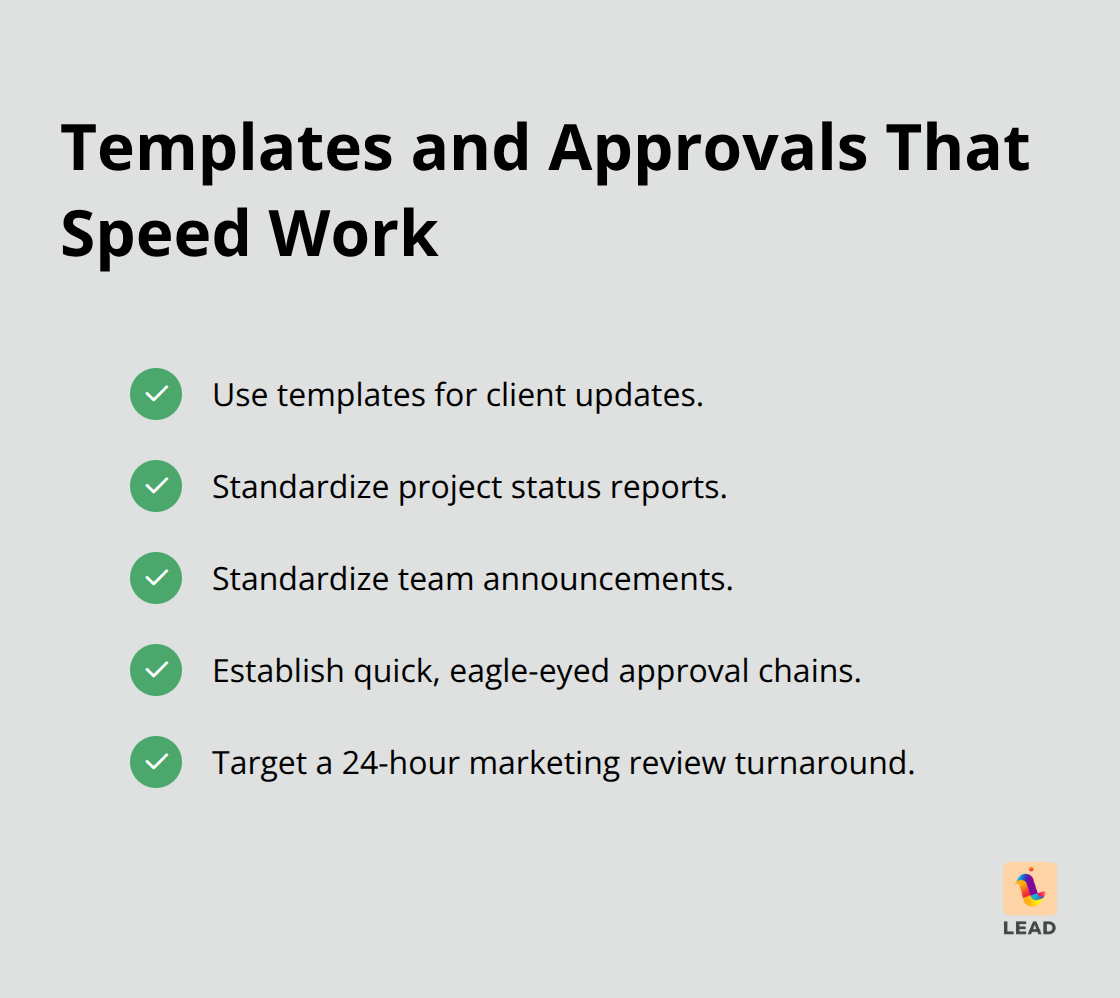
Begin with communication templates for the usual suspects-client updates, project status reports, team announcements. When everyone’s in on the format, teams process info automatically… not exhaustively. Set up those approval chains-quick but eagle-eyed. Marketing content gets the once-over, not the five-times-over, all wrapped up in 24 hours. Boom.
Training That Sticks Beyond Day One
Ditch the snoozefest PowerPoint sessions on email etiquette. Seriously. Go for scenario-based workshops where teams dive into real situations they face on the daily. Companies reduce communication mishaps when they roll out role-playing exercises for those tough client convos.
Teach your folks about the economics of communication-how a sloppy email costs time in clarifications multiplied by every recipient. Preach the two-minute rule: if you need more than two minutes to tap out an explanation… just pick up the phone. Most crucial? Train managers to walk the talk in good communication habits, because teams imitate what leadership does, not what they preach.
Optimization Through Ruthless Measurement
Track communication metrics like you do with your sales numbers. Peek at email response times, meeting effectiveness scores, channel usage patterns-all on a monthly cadence. Teams using communication analytics? They trim down those unnecessary messages over time.
Set up feedback loops where team members rate how clear and helpful the communications they get are. If someone’s sending out baffling or irrelevant messages-nip it in the bud. Communication pollution spreads fast, folks. Review your communication stack quarterly and ax those tools that overlap or sow confusion (since the average team juggles multiple platforms). The aim is continuous improvement, not a one-and-done perfection.
Final Thoughts
Information overload – it’s a corporate buzzkill, costing organizations billions. But, here’s the kicker, you don’t need a PhD in rocket science to fix it. Nope. Just a few tweaks – clear protocols, smart filters, structured workflows – and bam, you’ve turned chaos into collaboration. The savvy firms doing this? They’re not just keeping the lights on; they’re thriving, with productivity boosts and happier employees clocking in.
And the long haul? Oh, it gets even better. Teams with killer communication setups? They’re decision-making ninjas, dialing down stress, and pumping up engagement. What you get is an organization that doesn’t just dodge the digital noise but dances around it, creating spaces where real work shines (instead of ducking and weaving through chaos).
So, where to start? Audit your comms channels – think Marie Kondo for your digital workspace. Cut the fat. Set up priority systems. Train your folks on the good stuff. At LEAD.bot, we’re all about helping teams optimize workforce collaboration – using network analysis and knowledge exchange to smash those information silos. Put a few bucks in better communication, and you’re looking at a big payoff: higher productivity, less turnover, and teams that stick together like glue.