Structured Connection Programs That Beat Random Pairing
Random employee pairing can create a nice moment, but it rarely builds a durable team connection by itself. A structured connection program gives every match a purpose, whether you want stronger onboarding buddies, better knowledge sharing, or more cross-functional collaboration.
Why random pairing stops working as teams grow
Early-stage teams often rely on informal introductions. Someone knows who is new, who can help, and who should meet. That works until the team becomes distributed, specialized, or spread across functions. Then the same few well-connected people become the default routers for every question.
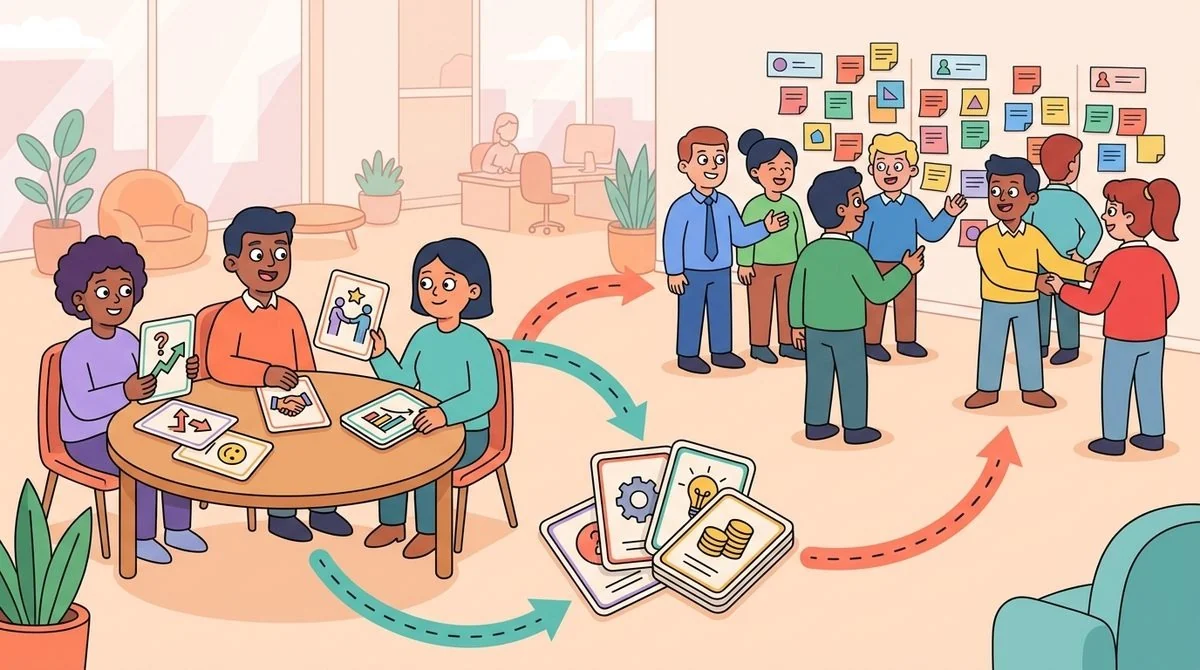
Random pairing tries to solve that by creating more conversations. The problem is that volume alone does not tell you whether the right people are meeting. A new hire may get matched with someone friendly but unrelated to their work. A project lead may meet someone interesting but not the hidden expert who can unblock the next decision. A remote employee may join a coffee chat and still leave without a practical trust path into another team.
The better question is not, “How do we create more chats?” It is, “Which connection would help this employee move faster, feel included, and share useful knowledge?” That is where structured employee matching becomes more useful than pure randomness.
Start with the outcome before you design the match
A strong program begins with a specific people-ops outcome. For example, you may want new hires to build confidence in their first month, managers to find peer mentors, or regional teams to share practices instead of solving the same problems twice. Each outcome needs a different matching rule and a different conversation prompt.
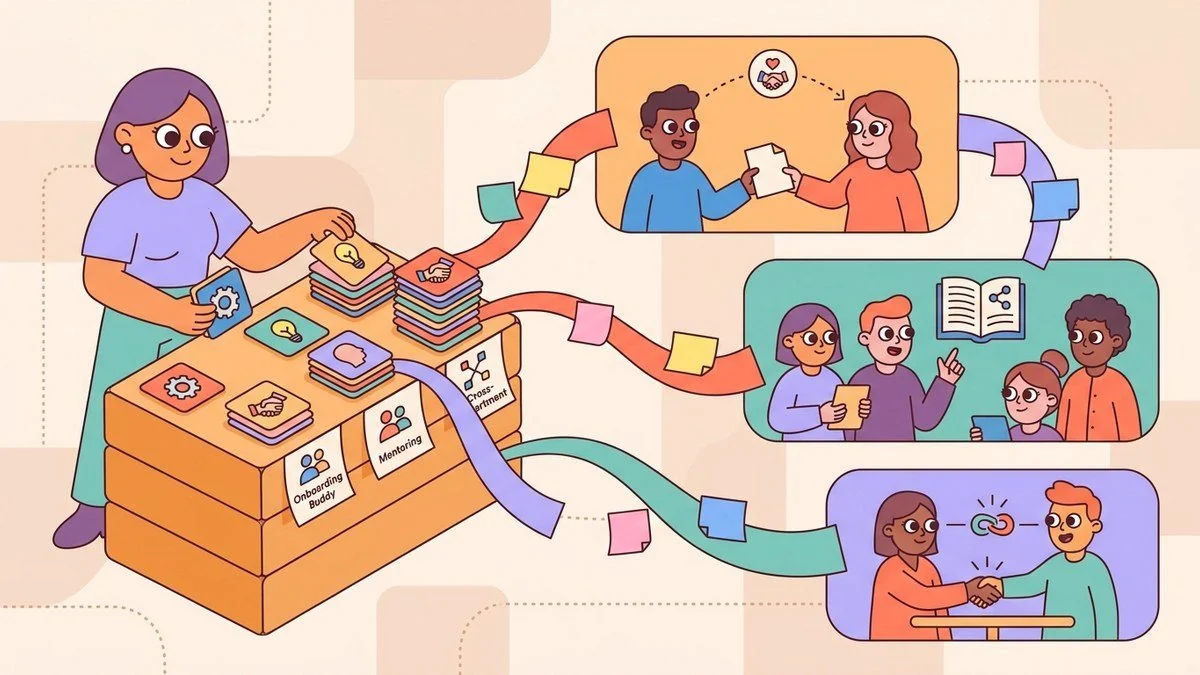
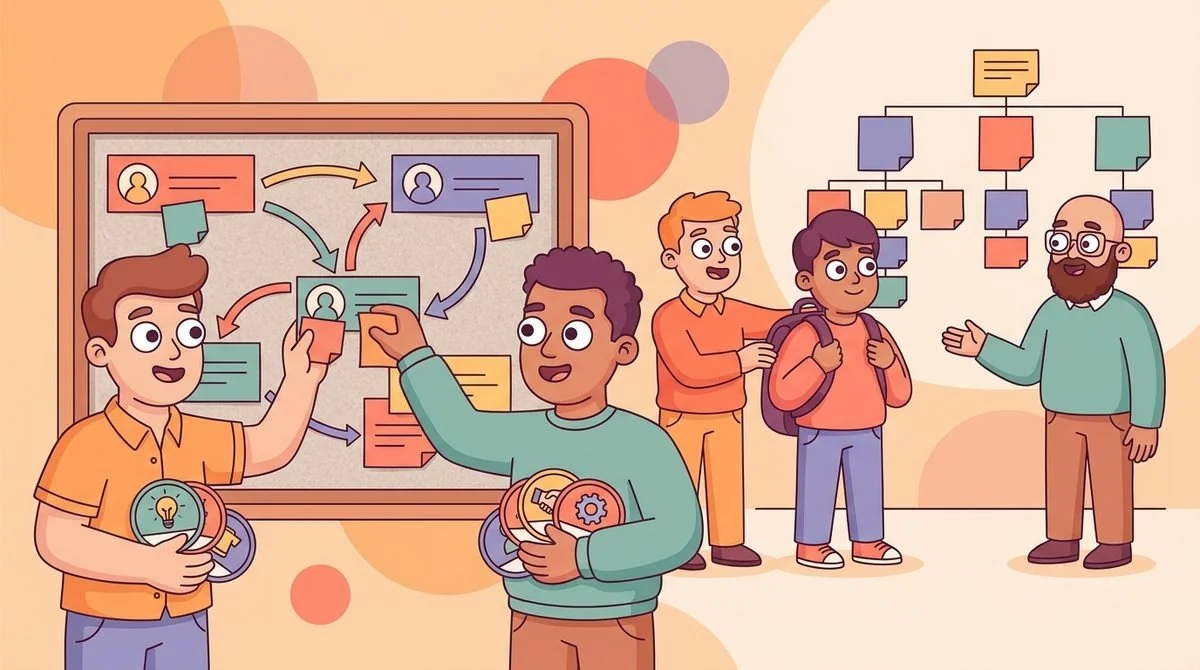
If your goal is onboarding, the best match may be a buddy from the same function plus a second connection from a neighboring team. If your goal is mentoring, the match may be based on skills, interests, or career stage. If your goal is knowledge sharing, the match should help employees discover who knows what across the organization.
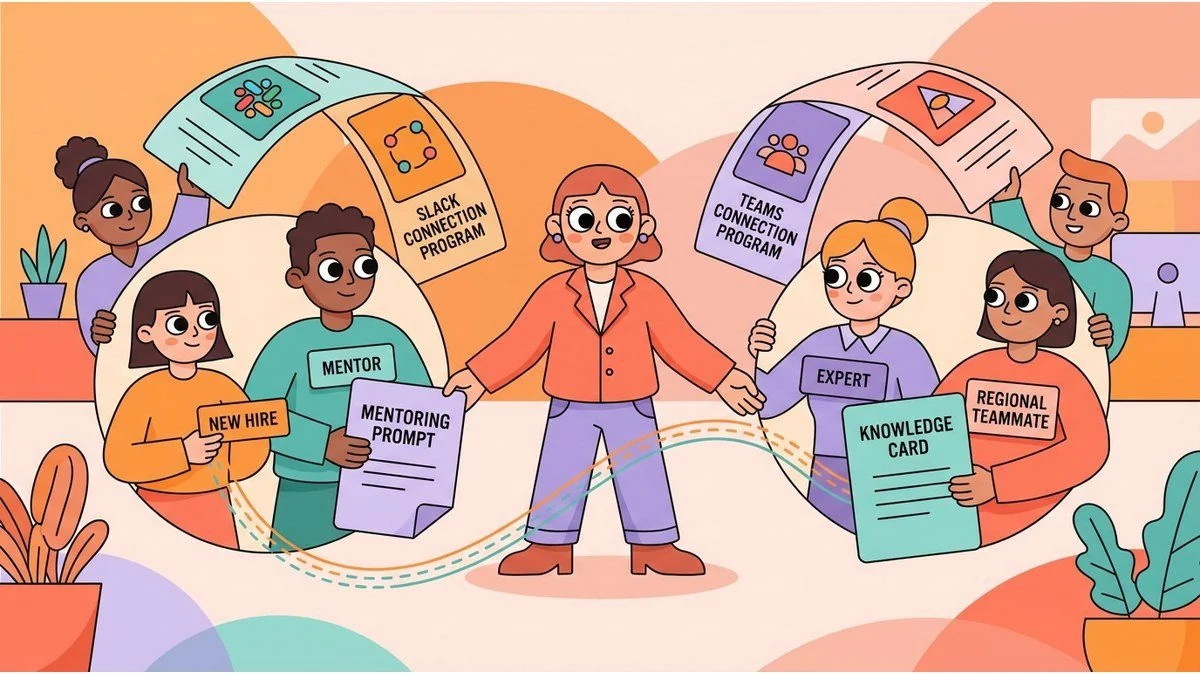
This is why LEAD.bot focuses on employee matching that supports real programs, not one-off introductions. It helps People teams run connection programs inside Slack and Microsoft Teams, so the program lives where employees already work. You can connect employees for social coffee chats, onboarding buddies, reverse mentorship, peer learning, cross-department connections, and knowledge sharing without turning every introduction into a manual admin task.
Make the first conversation easier to use
A match is only useful if employees know what to do with it. Random pairing often fails because the conversation starts from zero. People join, exchange roles, and then either drift into small talk or skip the meeting entirely because the value is unclear.
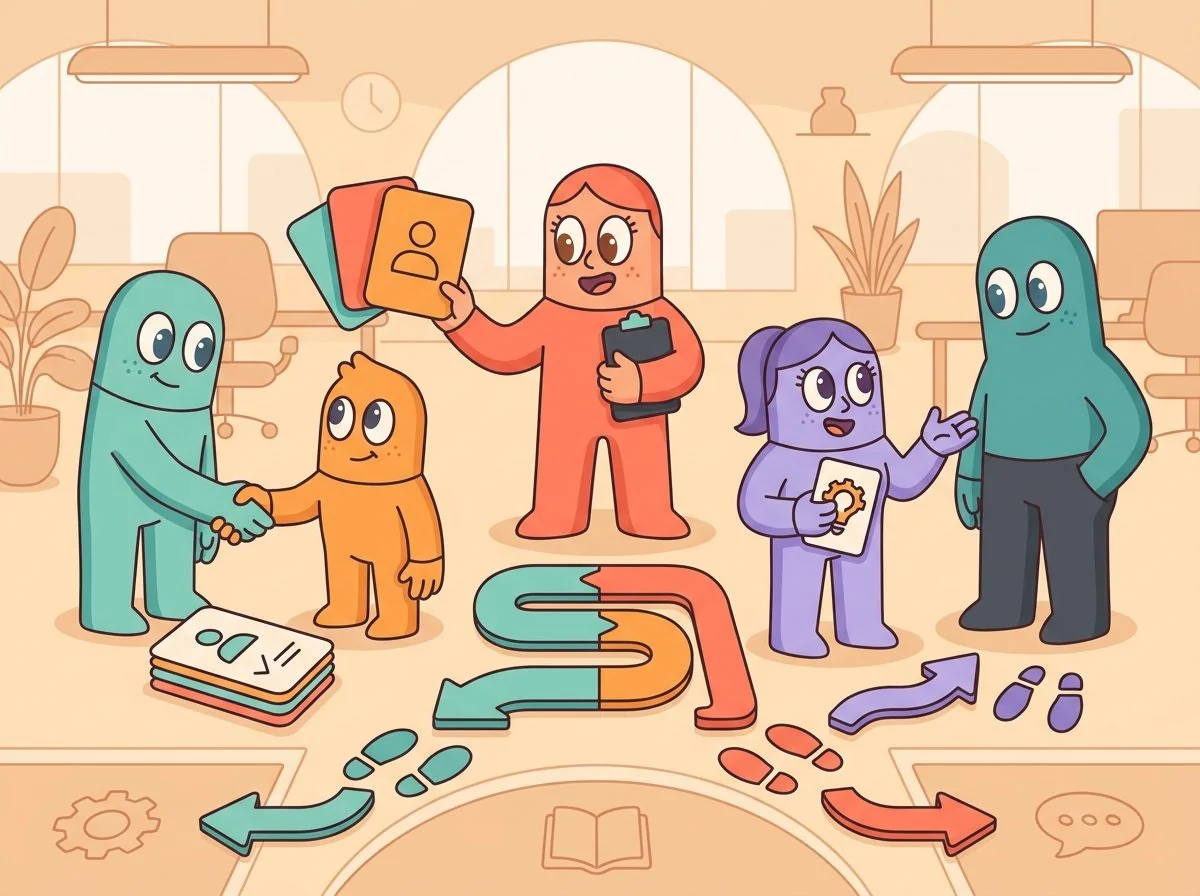
Structured connection programs should give each pair a light prompt tied to the program goal. For onboarding, the prompt might ask the buddy to explain unwritten team norms. For knowledge sharing, it might ask both employees to name one workflow they wish another team understood better. For cross-functional collaboration, it might ask them to identify a handoff that could be smoother.
Keep the prompt simple. Employees do not need a script. They need enough context to make the meeting useful. If the program feels like homework, participation drops. If it feels like a relevant conversation with the right person, employees are more likely to show up and follow through.
Use relationship intelligence to improve the program over time
People teams should not judge connection programs only by match count. A high number of introductions can still hide weak organizational network health. The more useful measure is whether employees are building practical trust paths across teams, locations, and levels.
That means looking for patterns. Are new hires getting connected beyond their manager? Are regional teams only meeting inside their own offices? Are certain departments always giving help but rarely receiving it? Are employees finding hidden experts before work slows down?
LEAD.bot supports this more practical view of connection. Its matching, pulse surveys, and relationship intelligence features help teams understand how collaboration patterns form. That gives People teams a way to improve the program without guessing. You can adjust the matching logic, add a buddy layer, or create a knowledge-sharing track when the organizational network shows a gap.
Build a low-admin connection system
The strongest programs are not the ones with the most complex setup. They are the ones busy People teams can run consistently. A program that depends on spreadsheets, manual reminders, and one coordinator’s memory will eventually slow down, especially during hiring waves, reorganizations, or rapid growth.
A low-admin system has a few basic parts: a clear use case, a defined audience, simple matching criteria, automatic reminders, and a feedback loop. Once those pieces are in place, the team can spend less time coordinating and more time improving the quality of the connections.
This is where chat-native programs matter. When matching, reminders, celebrations, and pulse surveys happen inside Slack or Microsoft Teams, employees do not need another portal or login. The connection feels like part of normal work instead of a separate HR initiative.
When to move beyond random pairing
Random pairing is fine when your only goal is a casual social moment. It is not enough when you need onboarding support, mentoring coverage, knowledge discovery, or cross-team collaboration. Those use cases need intentional design.
You should move to a structured connection program when employees keep asking, “Who should I talk to?” You should also move when new hires depend too heavily on managers, when teams duplicate work, or when remote employees feel connected socially but still disconnected operationally.
For a deeper example, read LEAD.app’s guide to onboarding buddy programs that build knowledge flow. If your priority is broader matching, this guide to smart employee matching for better pairings shows how matching criteria can support stronger outcomes.
Turn connection into a repeatable operating habit
The goal is not to remove the human part of workplace connection. The goal is to make the human part easier to start, easier to sustain, and easier to aim at the right outcome. Employees still build the trust. LEAD.bot helps People teams create the conditions for those trust paths to form across the organization.
When every match has a purpose, team connection becomes more than a calendar invite. It becomes a repeatable operating habit: new hires find buddies, experts become easier to reach, departments learn from each other, and managers get a healthier view of how the organization really works.
If your employee connection program still depends on random pairing, start by choosing one use case. Pick onboarding buddies, mentoring, or cross-team knowledge sharing. Then design the matching rules around that outcome. A smaller structured program will usually beat a larger random one because employees can feel why the connection matters.