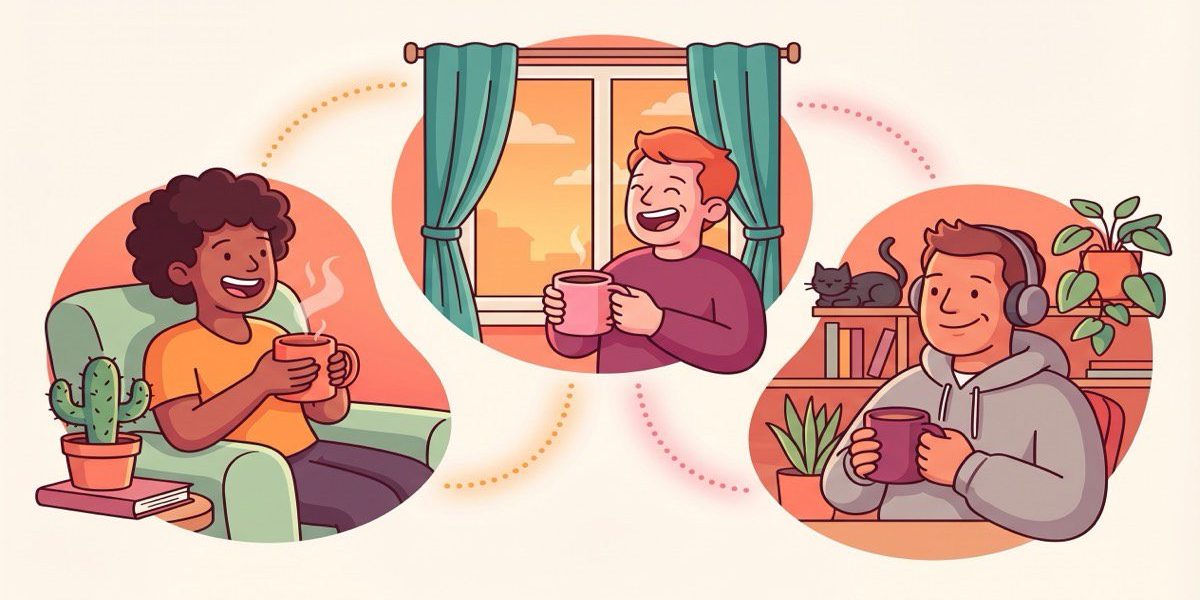
How to Host a Virtual Coffee Morning People Enjoy
Your team does not need another awkward calendar hold. A good virtual coffee morning gives people an easy reason to talk, laugh, and learn who they can trust across the company. When you host it well, it feels light for attendees and useful for you. You build familiarity, surface shared interests, and make future collaboration easier.
The mistake most teams make is treating these sessions like mini meetings. That kills the energy fast. A virtual coffee morning works best when it feels social, structured enough to remove friction, and short enough that people want to come back. Here is how to plan one your team will actually enjoy.
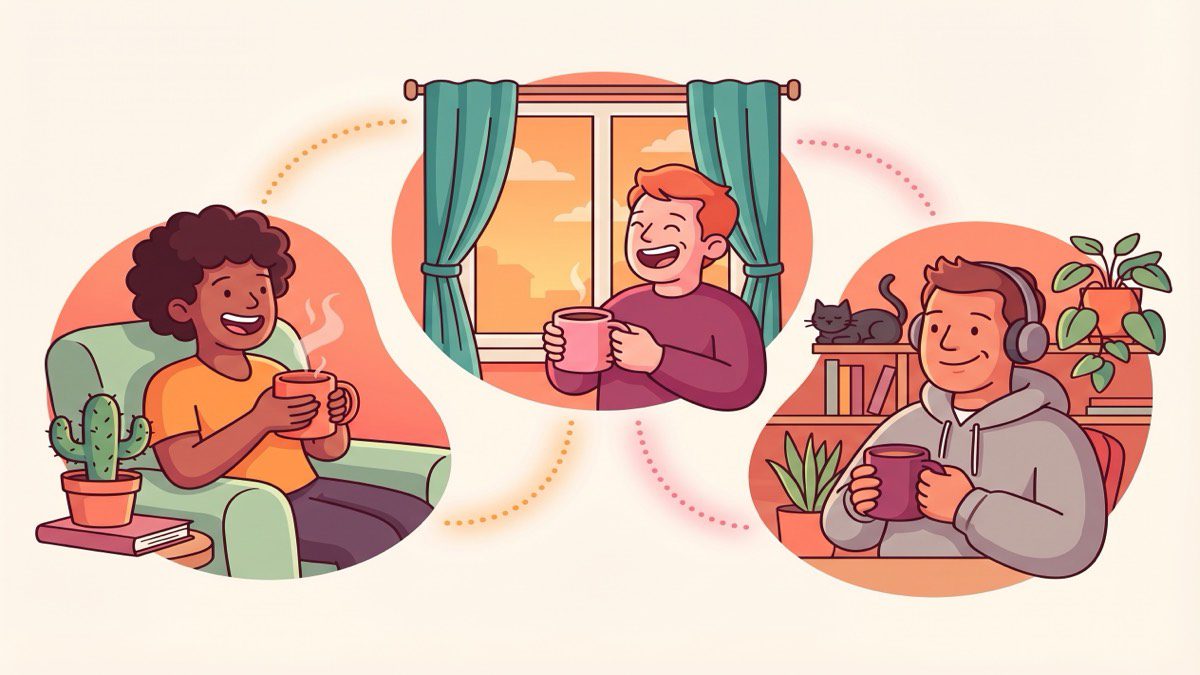
Start with a simple format
You do not need a complicated program. Pick a 25 to 30 minute format and keep it consistent:
- 5 minutes for arrivals and a quick welcome
- 15 to 20 minutes for guided conversation
- 5 minutes to close with one takeaway or one introduction to continue later
This helps people relax because they know what they are walking into. If your team is new to this, start with groups of three or four. That size gives everyone enough room to speak without turning the session into a performance.
Pick the right people, not just random matches
Random pairings can work once or twice, but they rarely scale into meaningful relationships. If you want a virtual coffee morning to lead to better collaboration, think about who should meet and why. A new hire might benefit from meeting someone outside their direct team. A product manager might gain more from talking with customer success than another product peer.
This is where context matters. The best programs look beyond org charts and use signals like shared projects, overlapping interests, and communication patterns. That is the gap tools like LEAD.bot’s people connection features help close. You are not just creating chats. You are making introductions that are more likely to turn into useful working relationships.
Give people prompts that feel human
Most sessions fall flat because the questions are lazy. Skip “What did you do this weekend?” and use prompts that reveal how people think, work, or help others. Try questions like:
- What is one problem you can solve quickly for other teams?
- What part of your work do people usually misunderstand?
- Who helped you most when you joined, and why?
- What is one topic you wish more teammates asked you about?
These questions still feel casual, but they create stronger signals. You learn who is approachable, who shares knowledge freely, and where hidden expertise sits. That gives your virtual coffee morning a lasting benefit beyond the call itself.
Make the host’s job easy
If hosting feels like work, the program will fade. Give your host a repeatable checklist:
- Send the invite with one clear sentence on purpose
- Share the format in advance so nobody has to guess
- Open with a light prompt within the first minute
- Watch the energy and redirect if one person dominates
- End on time
You can also rotate hosts so the social energy does not depend on one person. If you want more structure, build your session playbook into your onboarding or manager toolkit and link it from your internal knowledge hub. If you need examples, the LEAD.app blog has more ideas on connection programs, onboarding, and team communication.
Design for remote and hybrid reality
Remote teams have different friction than in-office teams. Time zones matter. Camera expectations matter. Energy levels vary across the week. The easiest fix is to remove pressure wherever you can. Offer two time slots. Keep attendance optional but personal. Encourage drinks of choice, not just coffee. And never force people to treat it like a networking event.
A good rule is this: if the setup feels too polished, people get stiff. If it feels too loose, people skip it. Aim for warm and lightweight. That balance is what makes a virtual coffee morning feel worth joining again.
Measure whether it is working
You do not need a big survey. Ask two simple questions after each session: did this conversation feel worth your time, and would you want another introduction like this? Those answers will tell you more than attendance alone.
Over time, look for signals that the program is creating broader value. Are new hires finding help faster? Are people meeting outside their usual circles? Are cross-functional requests getting easier? That is the real goal. A coffee chat is only the surface layer. What matters is whether it helps your team build trust and find the right people faster.
Turn coffee chats into a stronger connection system
The best virtual coffee programs do more than fill social calendars. They help your team build familiarity, uncover hidden expertise, and make future collaboration easier. Start small, keep the format simple, and learn from each round.
If you want these introductions to be more intentional, LEAD.bot helps you connect people based on how work actually happens, not just who sits near each other on an org chart. That is how a friendly coffee chat becomes the start of better teamwork.