Organization and Knowledge Management for Fast-Moving Teams
Your team moves fast, but your knowledge only helps if people can find it when they need it. Strong organization and knowledge management gives you a practical system for storing information, updating it, and turning it into action instead of clutter. When your docs, decisions, and workflows stay organized, your team spends less time searching and more time shipping.
Why organization and knowledge management matter
It protects time your team is already losing
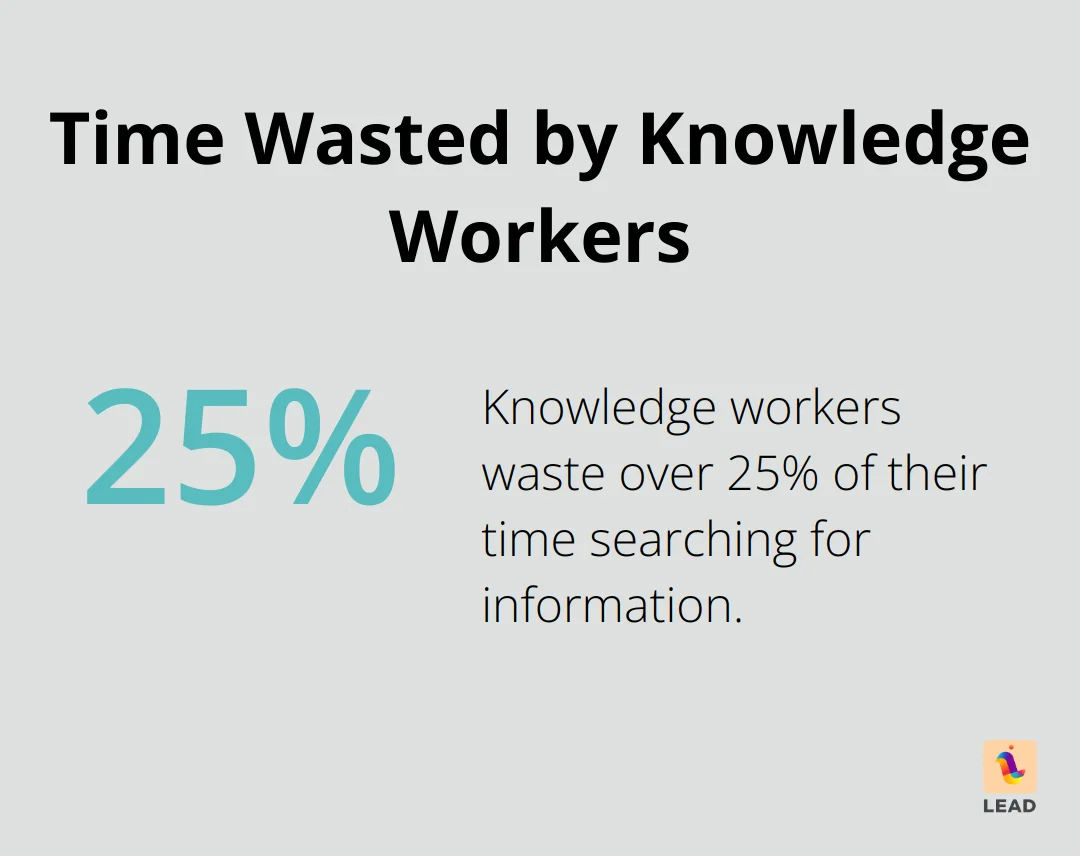
When files live in five places and nobody knows which version is current, work slows down fast. McKinsey has reported that knowledge workers spend a significant share of their week searching for information instead of using it. Better organization and knowledge management reduces that drag by making the right source easier to find.
It helps you make decisions with better context
You make better decisions when you can quickly pull up the latest process, project history, and owner. A clean system gives your team shared context instead of guesswork. That matters even more when work spans functions and no single manager sees the full picture.
It makes collaboration less messy
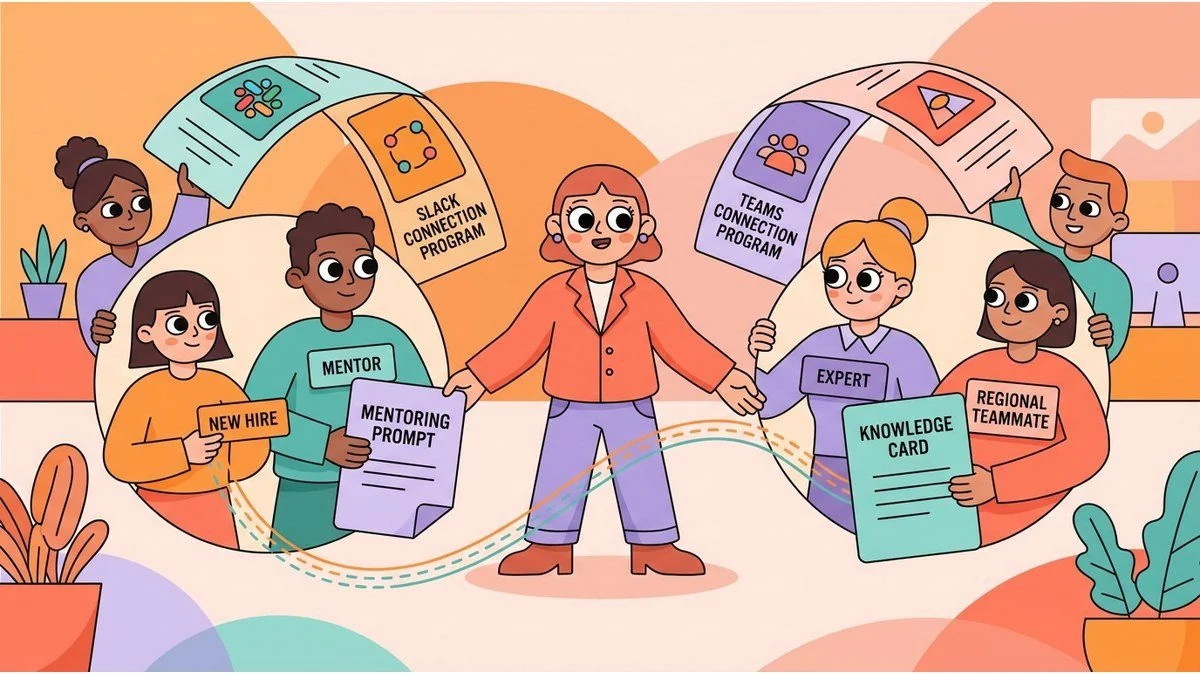
Teams collaborate better when they know where knowledge lives and how to share it. Clear documentation and stronger connection habits work together. If you are improving how people work across teams, a simple knowledge management framework gives you a strong starting point.
It shortens onboarding ramp time
New hires should not need to ask five people where a template lives or which process is current. Good organization and knowledge management gives them a reliable path into the work, which means they can contribute sooner and with less friction.
Practical tools that make organization easier
Use one task system for visible ownership
Your task system should show who owns the work, what is blocked, and what happens next. Whether you use Asana, Trello, or another tool, the rule is the same: one place for active work, consistent naming, and clear deadlines.
- Group work by team, project, or workflow
- Assign one owner to every active task
- Review status on a fixed cadence
Build a file structure people can understand
A folder system only works if people can predict where something belongs. Organize files by team, project, or client, then keep naming conventions consistent. Cloud storage helps, but structure matters more than the platform itself.
Protect focus with time blocks
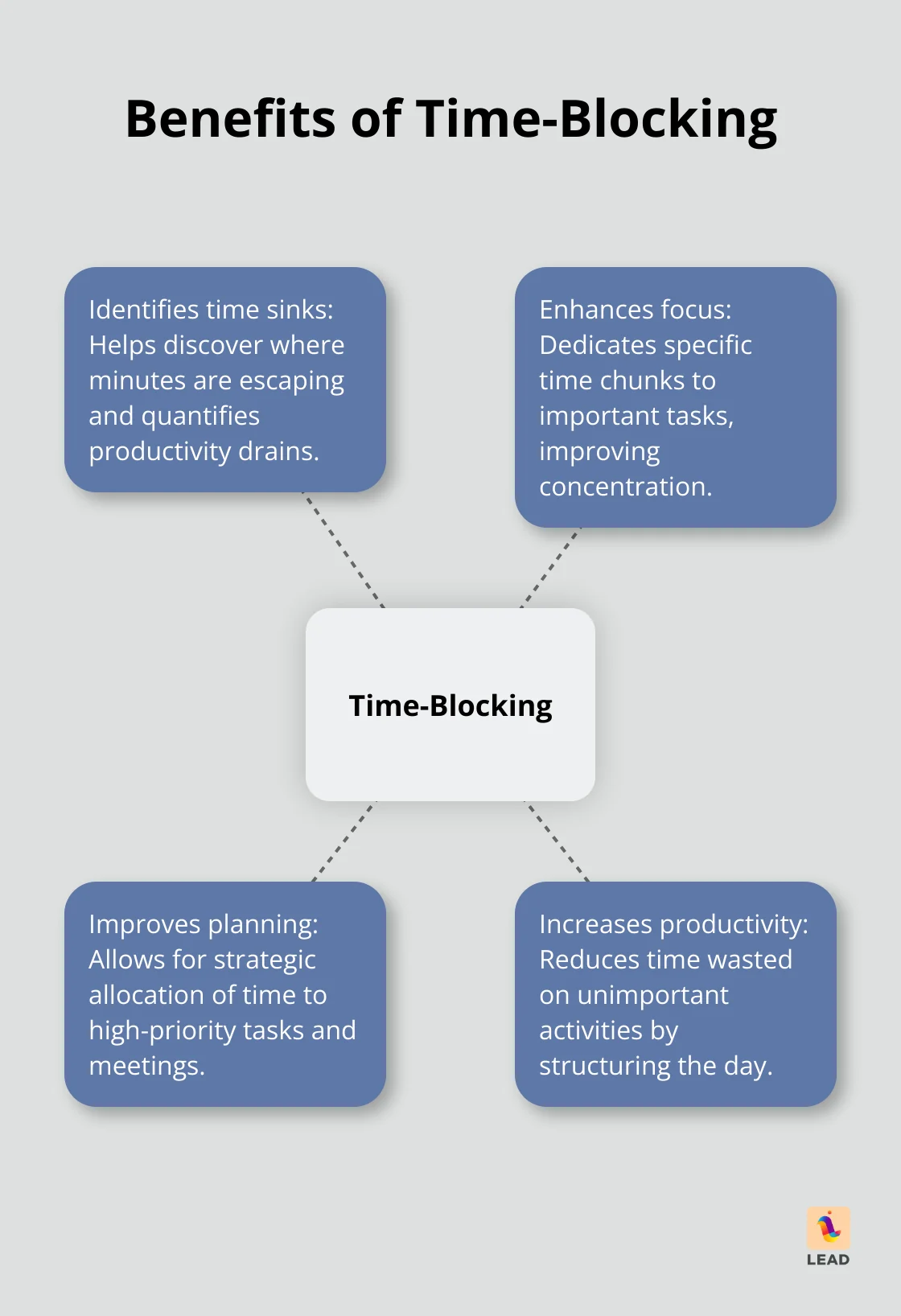
Time blocking helps your team work through important tasks before meetings take over the day. It is not just a calendar trick. It is a way to create room for the deep work that keeps your knowledge current and useful.
How to build a knowledge management system people will use
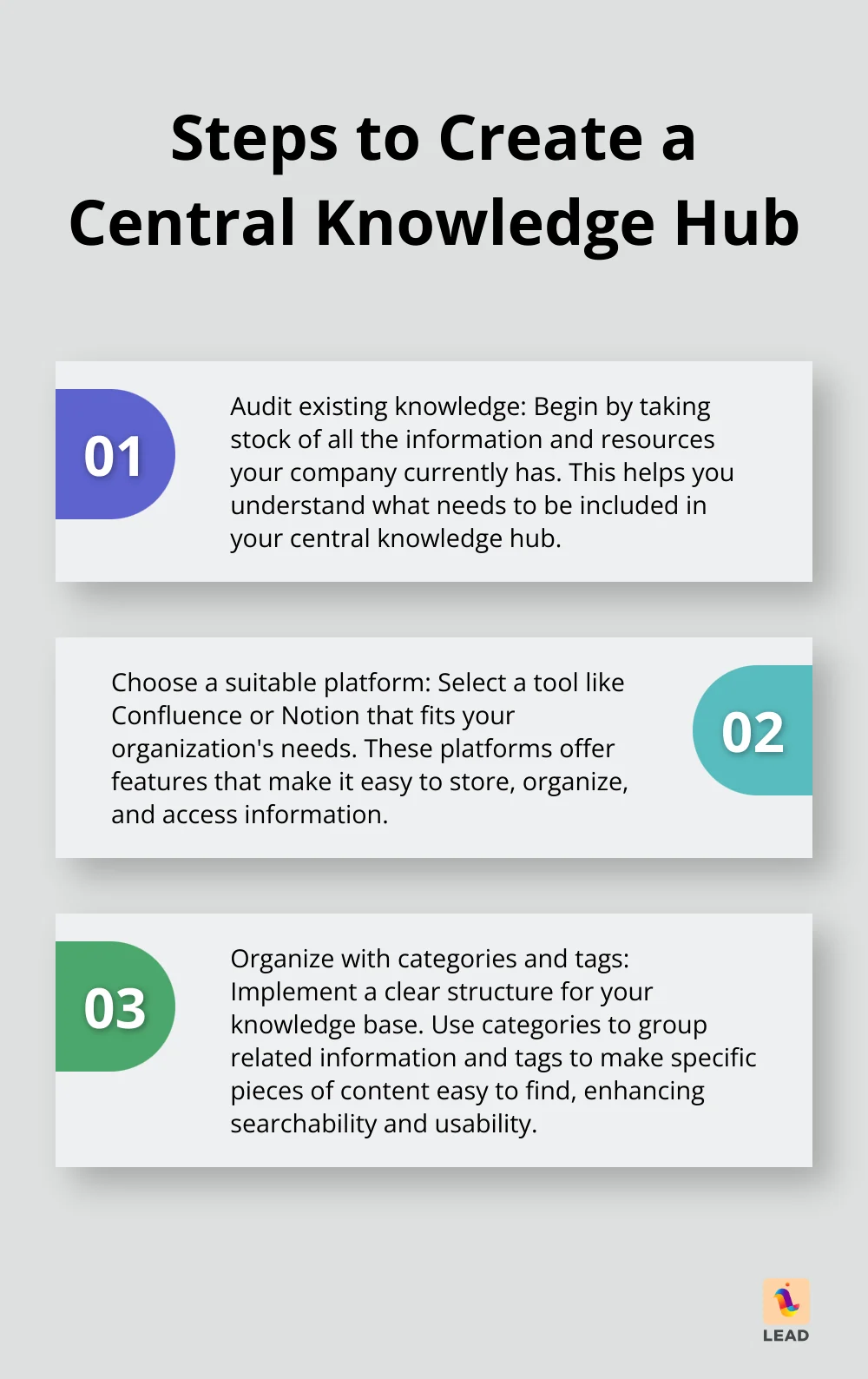
Create one trusted knowledge hub
Choose one place for core documentation, team guidance, and process updates. Your team should know that if something matters, it lives there. That single source of truth is the backbone of effective organization and knowledge management.
Document the work that breaks most often
Start with the workflows that create repeated confusion: onboarding, approvals, customer handoffs, and recurring operations. Write short instructions, add examples, and update them when the work changes. If you are comparing approaches, this guide to knowledge management software for teams can help you evaluate what supports your process.
Make knowledge sharing part of the job
People share what they see leaders value. If you want better knowledge flow, make documentation, handoffs, and peer support part of normal expectations. You can also support that behavior with intentional connection points through LEAD.bot, which helps your team build the relationships that make knowledge easier to find and use.
What to do next
You do not need a perfect system to improve organization and knowledge management. Start by fixing the places where your team gets stuck: scattered files, missing ownership, outdated docs, and weak handoffs. Then make one source of truth easier to trust than asking around.
The best system is the one your team will actually use. Keep it simple, review it often, and connect your documentation habits with the real relationships that move work forward.