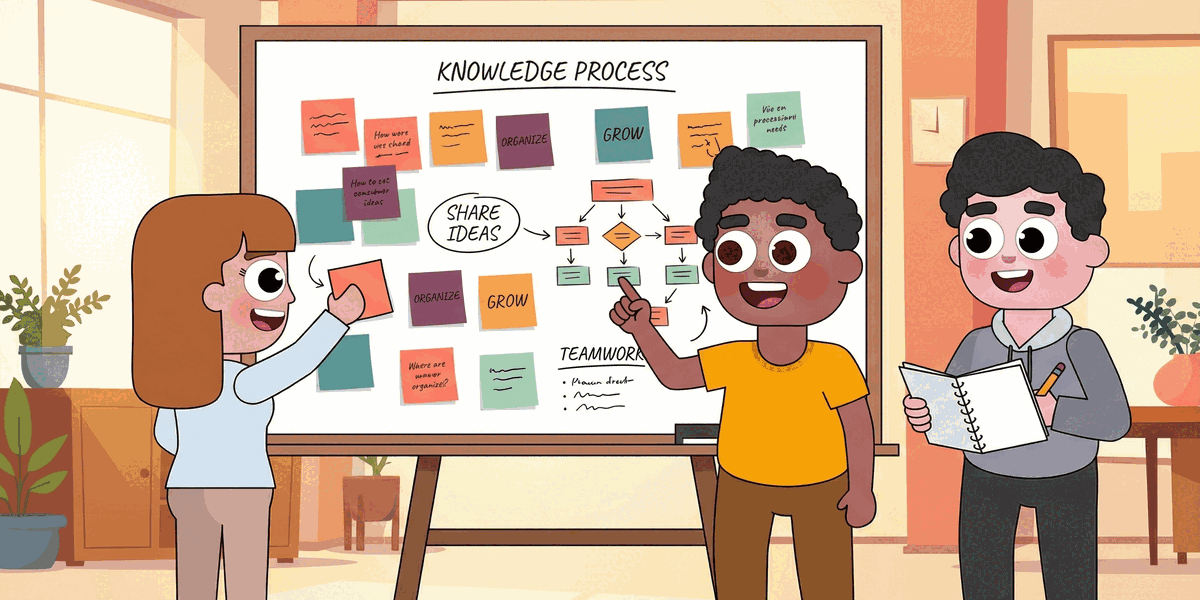
How to Build a Knowledge Management Process That Works
Your team already knows more than it can find. A good knowledge management process turns scattered answers, repeated questions, and buried expertise into something people can use in the moment. If you want faster onboarding, fewer duplicate efforts, and better decisions, you need a process that fits how your team actually works.
The goal is not to build a giant library nobody opens. The goal is to make useful knowledge easy to capture, easy to trust, and easy to reuse. That usually starts with a few simple habits, clear ownership, and tools that fit into the channels your team already uses.
In this guide, you’ll learn how to build a knowledge management process step by step, where teams usually get stuck, and how tools like LEAD.bot’s subject matter expert finder can help people reach the right colleague faster when the answer is not written down yet.
1. Start with the questions your team asks every week
The fastest way to improve knowledge flow is to look for repeated friction. What do people ask in Slack again and again? Which docs go stale after one project cycle? Where do new hires get blocked?
Start with a lightweight audit. Review recent support threads, onboarding questions, project handoff notes, and meeting recaps. You are not trying to document everything at once. You are trying to spot the knowledge that slows work down when it is hard to find.
A practical place to begin is with three buckets:
- Critical answers: information people need to do their job correctly
- Recurring decisions: choices your team keeps revisiting because the reasoning is missing
- Expert knowledge: things that live mostly in people’s heads
That list gives your knowledge management process a clear starting point. Instead of building a broad system from theory, you build from real team behavior.
2. Create a simple structure before you add more content
Once you know what matters, organize it so people can scan it quickly. Most teams do not need a complicated taxonomy on day one. They need a small set of categories that match how work gets done.
For example, you might group content by onboarding, customer knowledge, delivery processes, internal tools, and team-specific playbooks. Inside each category, use consistent page titles, owners, and update dates. That makes it easier for people to tell whether a doc is still reliable.
Your structure should answer three questions right away:
- What is this page for?
- Who owns it?
- When was it last reviewed?
If you skip this step, your knowledge base becomes a storage closet. A strong knowledge management process gives every piece of information a home, a purpose, and a person responsible for keeping it current.
3. Make knowledge capture part of daily work
Teams rarely fail because they lack information. They fail because useful context never gets captured while the work is happening. If documenting knowledge feels like extra homework, it will not stick.
Build capture into the flow of work instead. Add a short handoff template after projects. Turn recurring Slack answers into documented FAQs. Ask meeting owners to log decisions and next steps in one shared place before the day ends.
This is also where connection matters. Sometimes the right answer is not in a document yet. It lives with the person who solved the problem last month. That is where tools that surface real expertise and working relationships can help. When you connect people to the right colleague quickly, your written system and your human network start reinforcing each other.
If your team is working across Slack or Teams, it also helps to connect your process to the tools people already open every day. A search experience inside your workflow is almost always more useful than another tab that people forget to check. You can see one example in this overview of how LEAD.bot supports people analytics and organizational visibility.
4. Set ownership, review cycles, and quality rules
Knowledge breaks down when nobody owns it. Even a well-written page becomes risky when people cannot tell whether it is still true. That is why every part of your knowledge management process needs simple governance.
Assign owners for your most important categories. Then define a review rhythm that matches the pace of change. Product docs may need monthly review. Team rituals and onboarding docs may only need a quarterly pass. The key is consistency.
Keep the quality bar simple:
- Use clear titles that match what people search for
- Write the answer first, then add detail below
- Include examples, screenshots only when necessary, and links to related pages
- Archive or merge duplicates instead of letting multiple versions compete
Good governance makes your knowledge management process trustworthy. When people trust the system, they use it. When they use it, the system gets better.
5. Measure whether people can find and use what you publish
The point of knowledge management is not document volume. It is better execution. That means you should track whether people are finding answers faster, asking fewer duplicate questions, and onboarding with less confusion.
A few practical signals are enough to start:
- Time to answer common questions
- Search terms that return weak or no results
- Repeated questions by new hires or cross-functional teams
- Pages that are viewed often but still trigger follow-up questions
Use those patterns to improve the process every month. If a page gets traffic but does not solve the problem, rewrite it. If the same expertise is always found through one person, decide whether that knowledge should be documented, routable, or both.
Final thoughts
An effective knowledge management process is not a side project. It is part of how your team learns, hands off work, and keeps context from getting lost. Start with the moments where work slows down, organize what matters, capture knowledge in real time, and give each area clear ownership.
When you do that well, your team spends less time hunting for answers and more time moving work forward. And when the answer is still living with a person instead of a page, tools like LEAD.bot can help people find the right connection faster.