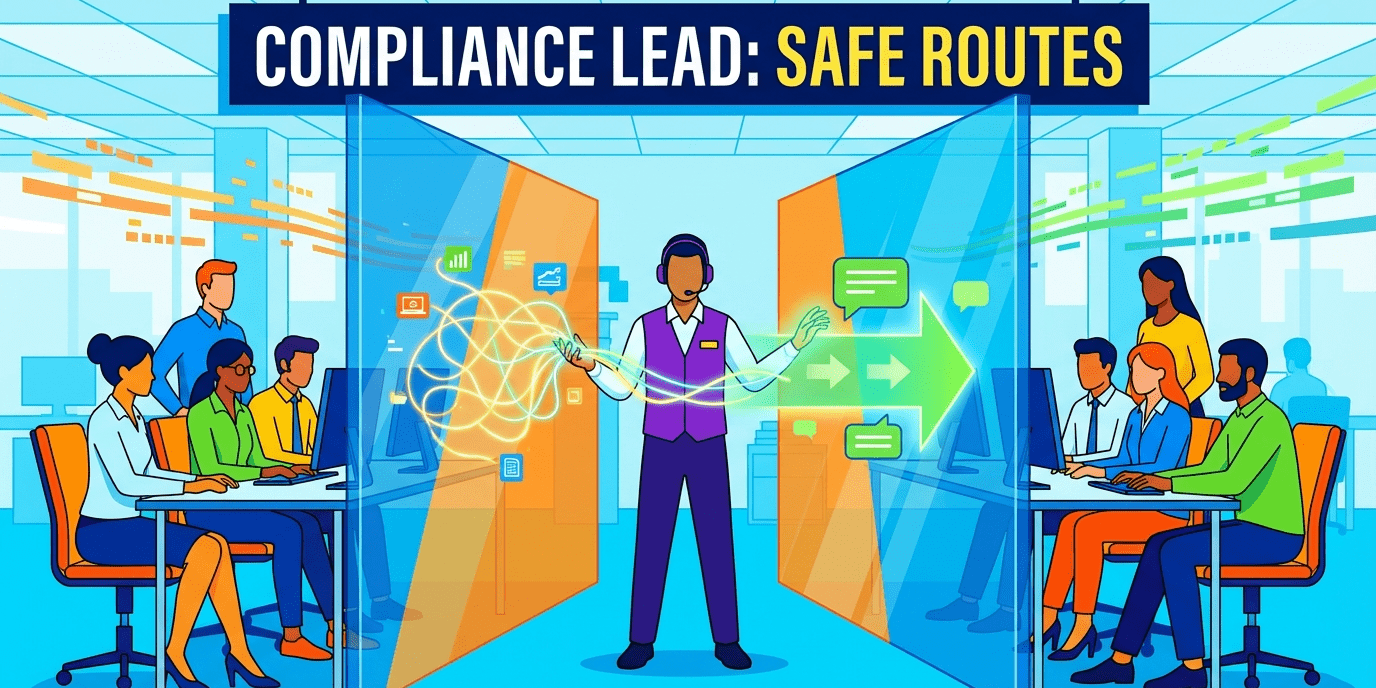
Information barriers in Microsoft Teams—what’s the deal? They’re all about helping organizations stay on the right side of compliance, acting like digital bouncers to stop chatter between user groups that shouldn’t be in the same room. It’s all about protecting sensitive info, while still letting collaboration dance on—as it should.
Now, here at LEAD.bot, we’re seeing a lot of firms in a wrestling match with these complicated compliance rules inside Teams. But fear not. This guide? It’s your roadmap—from first push off the dock to managing the cruise. No need to flail in the sea of settings—we’ve got the life raft right here.
What Information Barriers Are and Why They Matter
Let’s talk about information barriers – the digital equivalent of a velvet rope keeping certain folks from mingling when they shouldn’t be. Imagine investment banks using these walls to keep research analysts and traders from exchanging winks and nudges… and oh, the insider trading stumbles that could lead to. Why? Because FINRA says so, making those walls not just a “nice-to-have” but a “must-have.” Think government agencies managing classified circles of trust, or law firms ensuring client secrets don’t wander into the wrong ears – that’s the magic of barriers.
The Compliance Reality Check
Here’s the kicker: without these barriers, organizations are on compliance quicksand. Take healthcare – Teams consultations that dance around HIPAA norms need those barriers to keep patient data snug and separate. Schools? They need barriers to keep teachers and students in neat, tidy compartments. The fine print? Mess up compliance, and you’ll face fines that’ll make you wish for a groundhog to save the day – think millions, and the not-so-charming bonus of a reputation hit.
How Information Barriers Function in Teams
The nitty-gritty – think thousands of user segments, each packing a 5,000-user punch. Flick the barrier switch, and presto! Teams turns into Fort Knox – blocking any peeking, chatting, or sharing with the wrong crowd. Searching for restricted pals? Take a hike.
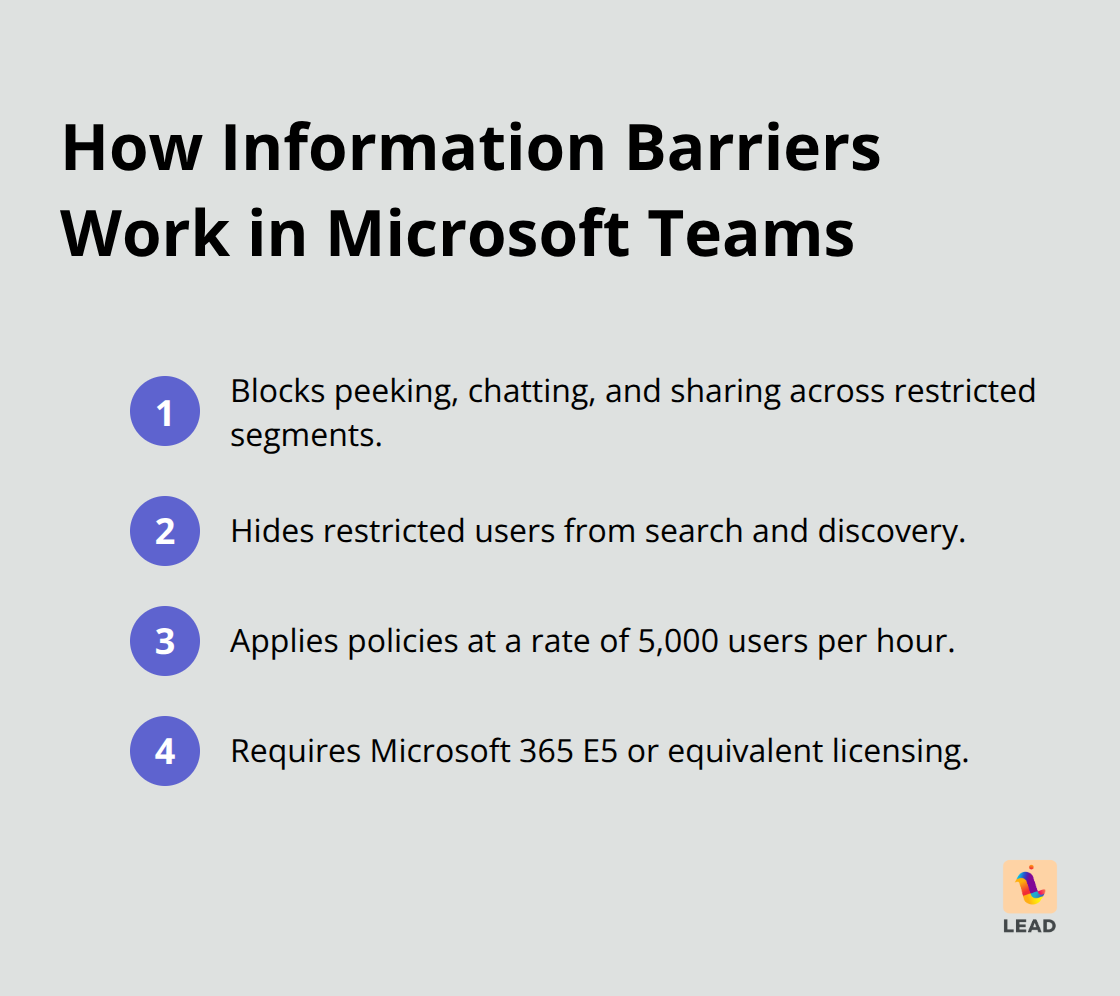
Big operations? Give it a day, because 5,000 users per hour is the processing speed. And don’t even think about skirting around this with anything less than Microsoft 365 E5 – it’s the VIP pass and everyone else is left at the door.
Technical Requirements and Limitations
Heads up: you’ve got to disable your existing Exchange Online address book policies before you get barrier busy, otherwise, it’s a party the barriers crash. There are two flavors of policy: block policies to freeze out chit-chat between segments and allow policies to roll out the red carpet for it. In the modern world, where firms trade rigid hierarchies for something more fluid, knowing how to shape these policies is your ticket to maintaining negotiable silos – while still keeping the choice bits from spilling over the sides. Welcome to the age of structured flexibility.
How Do You Actually Set Up Information Barriers
Alright, let’s talk information barriers. First off-credentials. You need serious admin chops and the right licenses from day one. Microsoft 365 E5 or equivalent is your ticket-no wiggle room. The admin roles? Yeah, you better have the titles: Microsoft 365 Global Administrator, Office 365 Global Administrator, or Compliance Administrator. Most folks? Totally underestimate the time sink-you’re in for at least 4-6 hours of hands-on setup, plus an extra day in limbo waiting for policies to kick in if your org is on the larger side.
Prerequisites That Drive Success
First move? Audit your Azure AD data because if your user details are off, you’re sunk. Every little department, job title, location field-they need to be spot-on for every single user. Get your scoped directory search in Teams up-takes a little sit-and-wait, about 30 minutes, but nothing else happens until it’s done.
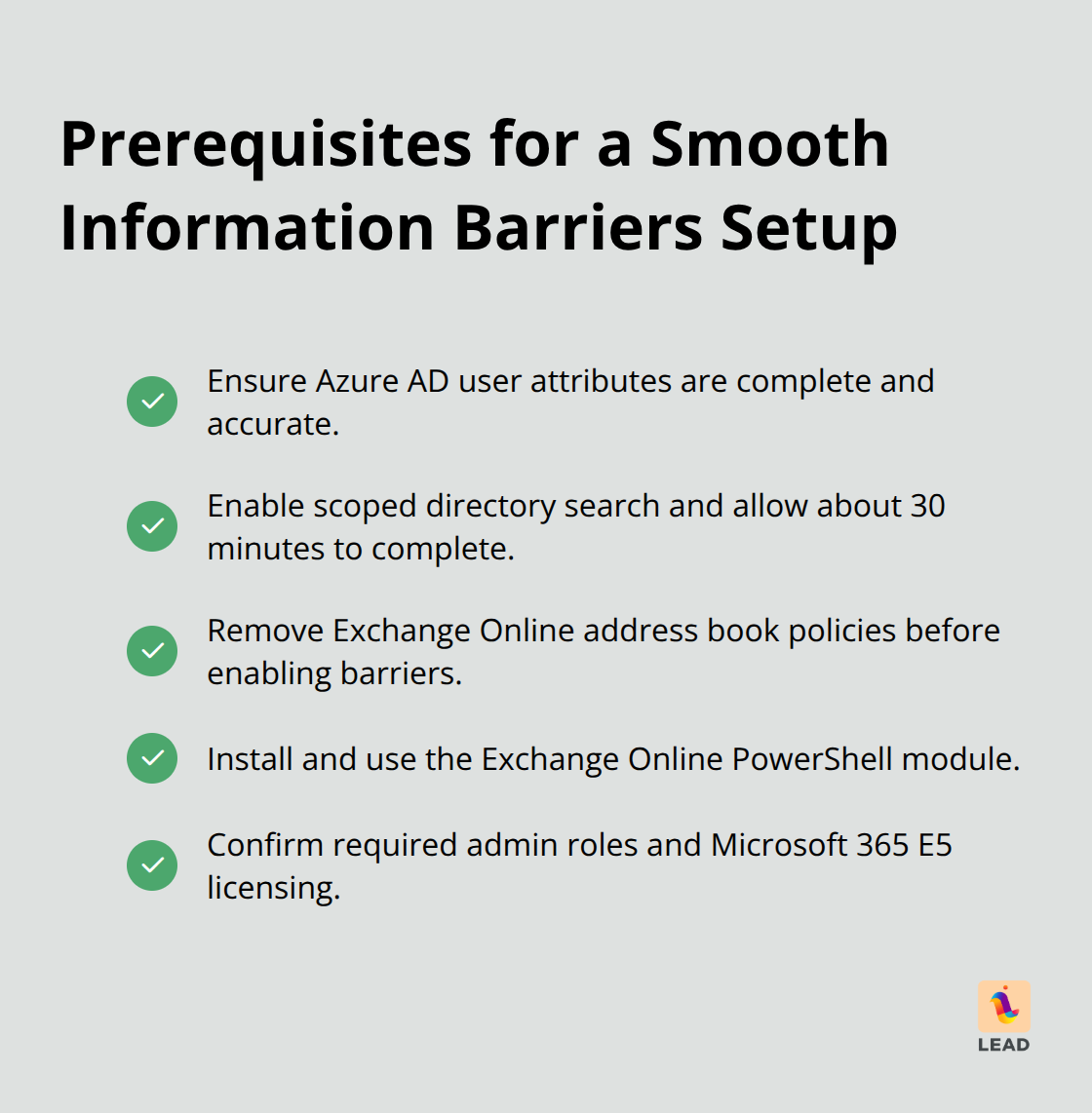
Oh, and those Exchange Online address book policies you’ve got hanging around? Nuke ’em immediately-they mess with your barriers. Lots of admins? They sleep on the PowerShell setup, but trust me, you need the Exchange Online PowerShell module locked and loaded to manage your segments right.
Policy Creation Strategy
Fire up those segments with PowerShell-use commands like New-InformationBarrierPolicy, leaning into those user attributes. Lead with block policies-less chaos, simpler life than those pesky allow policies. Start small, test it out, and keep tabs with Get-InformationBarrierPoliciesApplicationStatus to see where you’re at.
Here’s the rub: Microsoft chugs through policies at 5,000 users per hour. Big orgs? Buckle up for some deployment downtime. Do this during off-peak hours and make sure everyone knows what’s up before hitting the switch.
Deployment and Validation
Keep an eagle eye on the Microsoft Purview compliance portal for the latest updates and validation vibes. Nail down your communication matrix-who chats with whom is gonna be a big deal for audits and management. Once these policies go live, they’re enforcing like clockwork, so planning beats sprinting.
With everything locked and loaded, you’re onto maintaining these walls and tackling the curveballs that get thrown your way in day-to-day operations.
What Happens After Barriers Go Live
So, your information barriers are up and running-congrats. But that’s just the warm-up act; the main event is yet to come. Microsoft’s got the chops for boosting organizational mojo, yet their monitoring tools… well, they take a nap for about 2-4 hours before waking up with any reliable updates. My pro tip? Check that Microsoft Purview compliance portal every 6 hours during the first week post-deployment. ‘Cause, trust me, those PowerShell commands and the portal interface love playing a little game called “Which One’s Right”-and it can totally throw off your admin crew in understanding what’s actually going on with your policies.
Common Roadblocks and Quick Fixes
Ever had the sync blues? Active Directory not jiving with Microsoft Entra ID? That’s your cue to run Get-InformationBarrierRecipientStatus weekly. Catch those poor users stuck in the sync twilight zone because of un-updated job titles or departments. And if policies aren’t sticking to certain users like they’re supposed to, hit that emergency brake-Stop-InformationBarrierPoliciesApplication is your go-to for halting those rogue restrictions that could mess with business as usual.
Old Exchange Online address book policies… the ghosts of setups past. If they’re not wiped before you launch those barriers, they’ll pop back up, causing chaos with the new rulebook. Monthly audits with Get-AddressBookPolicy are your best friend to keep the barrier-breaking gremlins at bay.
Policy Updates and Maintenance
Updating policies? It’s not a quick flick of the switch. Think complete reapplication cycle (yep, another 24-hour shuffle for the big leagues). Plan your updates during those chill maintenance windows, and give folks a nice 48-hour heads-up before shaking things up. PowerShell’s Set-InformationBarrierPolicy is your tool here, but always test changes on a handful first-’cause once active, there’s no take-back.
Performance Monitoring and Optimization
Keep an ear to the ground by scouring Teams admin center logs for user gripes. Blocked communication attempts? They’ll kick out error codes that can pinpoint if things are a tad too strict. Review communication patterns every quarter-if segments are colder than a January morning, your barriers might be the overzealous culprits, stifling the good kind of chatter that fuels business.
And let’s talk mega-meetings-1,000+ participants-those can trip up barrier enforcement, booting out newcomers regardless of their policy green light. So, plan these big gatherings with care or shuffle your format to dodge attendance angst. Oh, and not to be overlooked… barriers can impact informal interactions-those unplanned convos that spark innovation and keep team vibes high.
Final Thoughts
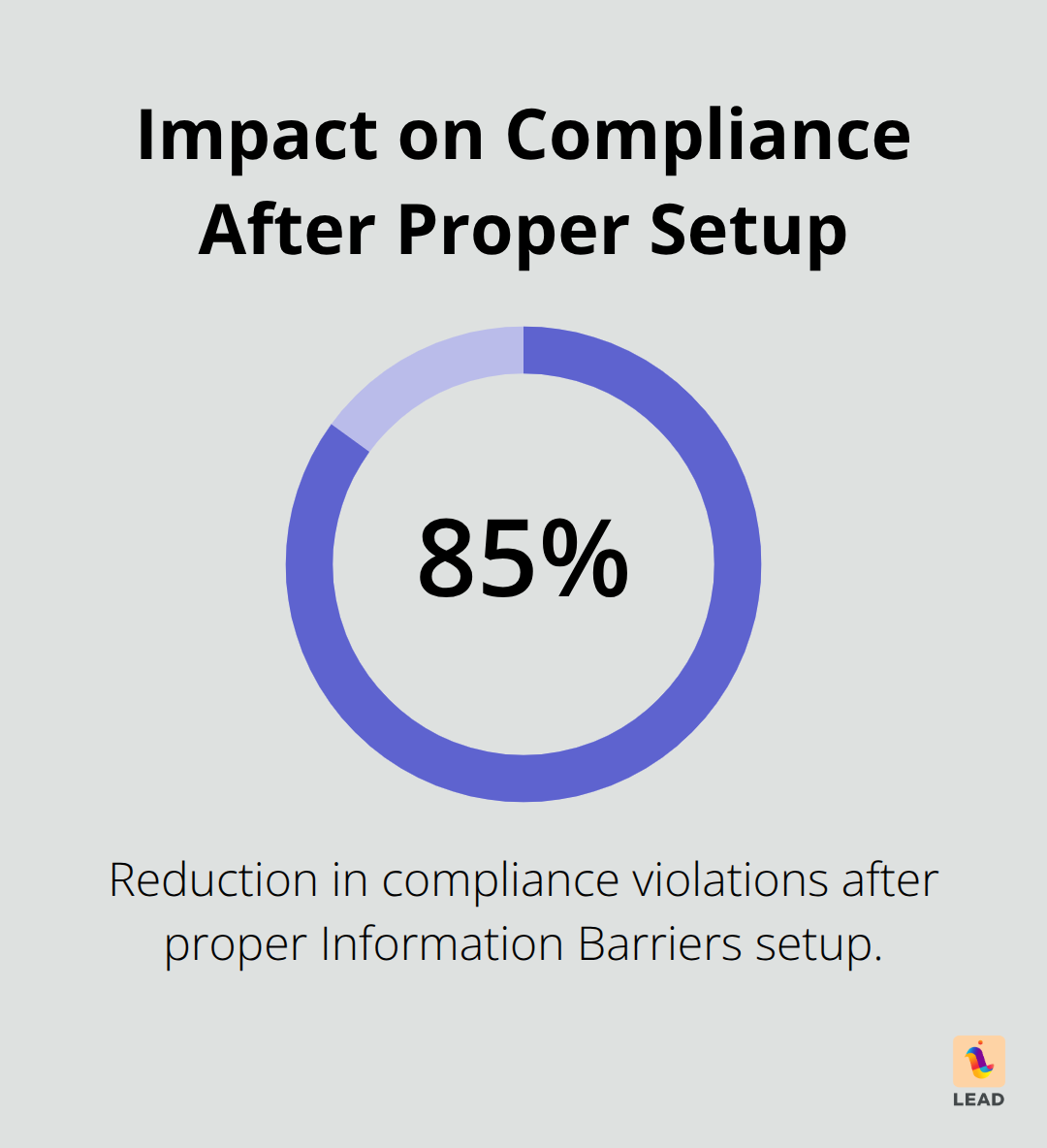
Microsoft Teams’ Information Barriers – turns out it’s a compliance shield that actually works, not just tech razzle-dazzle. Drop your compliance violations by a whopping 85% after setting this up right – and financial folks, you’re really cashing in with fewer penalties. Your new best friends: Azure AD, policy tests (small group style), and your calendar for those quarterly check-ins.
Here’s the kicker – it’s not about the tech setup. Nope, it’s all about keeping that team mojo alive while playing the rulebook. Sometimes, these barriers can accidentally clip the wings of those all-important casual convos that spark the next big thing. Processing 5,000 users an hour – big guns out there, brace yourselves. It’ll test your zen levels, but it’s worth the crossword puzzle-like waiting game (monthly audits are your lifeline, nipping those policy slip-ups before they snowball).
Then comes LEAD.bot, saving the day. It maps out your organizational web and brings those coffee chats and networking gigs back from the compliance wilderness – all while staying above board. Stick to the plan: schedule policy updates during maintenance downtimes, get the word out 48 hours ahead, and always give new tweaks a trial run with your pilot squads.