How to Turn Employee Milestones Into Team Connection
Employee milestones build stronger teams when they lead to real conversations, not just automated congratulations. The practical move is to pair every welcome, birthday, work anniversary, or role change with a clear connection path: who should meet, why it matters, and what knowledge should move between them.
Why milestone messages are not enough
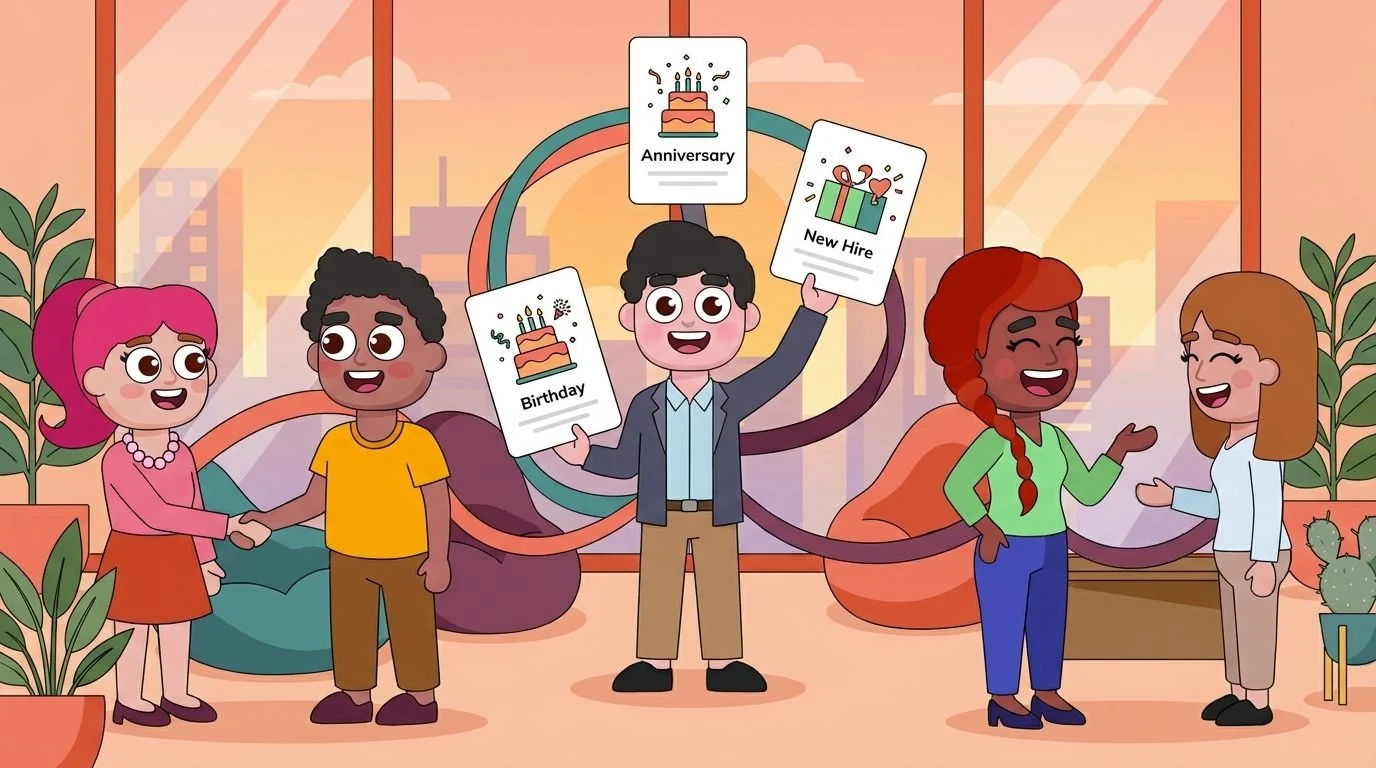
Most people teams know the value of recognizing important moments. A new hire joins, someone reaches a work anniversary, a teammate changes departments, or a project group hits a visible win. Those moments deserve celebration because they tell employees, “You are seen here.”
But celebration by itself does not always create team connection. A channel message may get emoji reactions, but it does not help a new hire learn who to ask about customer escalation patterns. A birthday post may feel friendly, but it does not help two regional teams share what is working. A work anniversary note may show appreciation, but it does not automatically turn an experienced employee into a mentor.
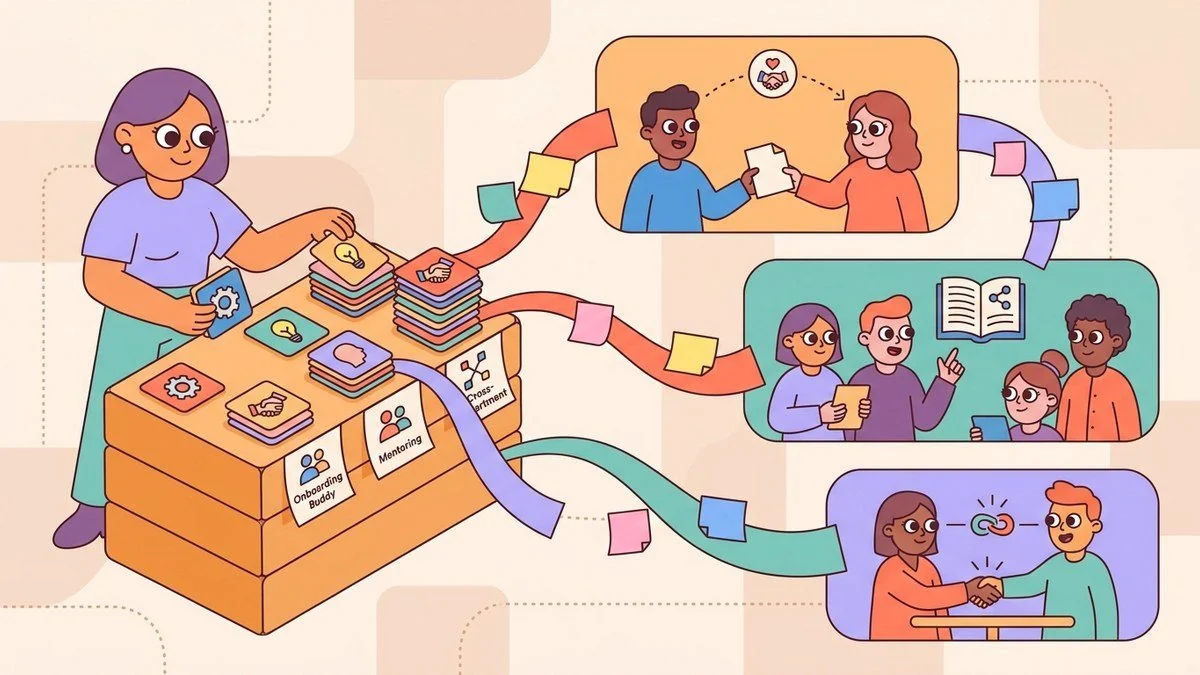
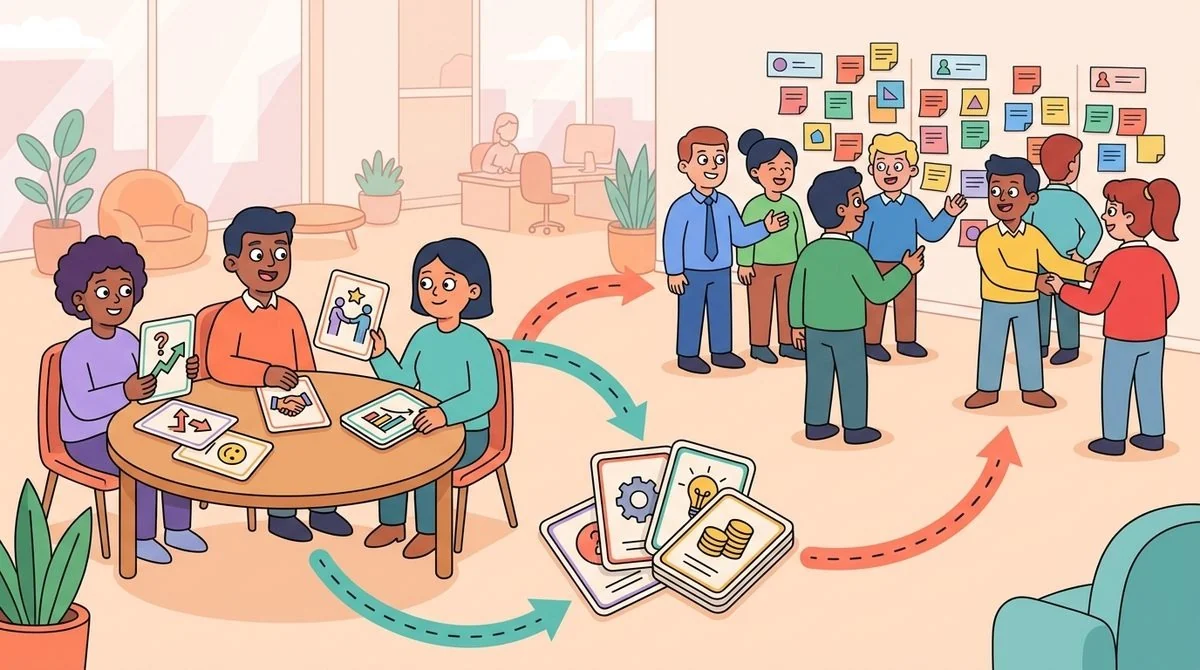
The opportunity is to treat milestones as useful triggers. Each trigger can start a small, structured connection that supports onboarding, mentorship, knowledge sharing, or cross-functional collaboration. That is where LEAD.bot can help people teams move beyond one-off recognition and build habits that make employees feel connected to the right people.
Start with the milestone that needs a human follow-up
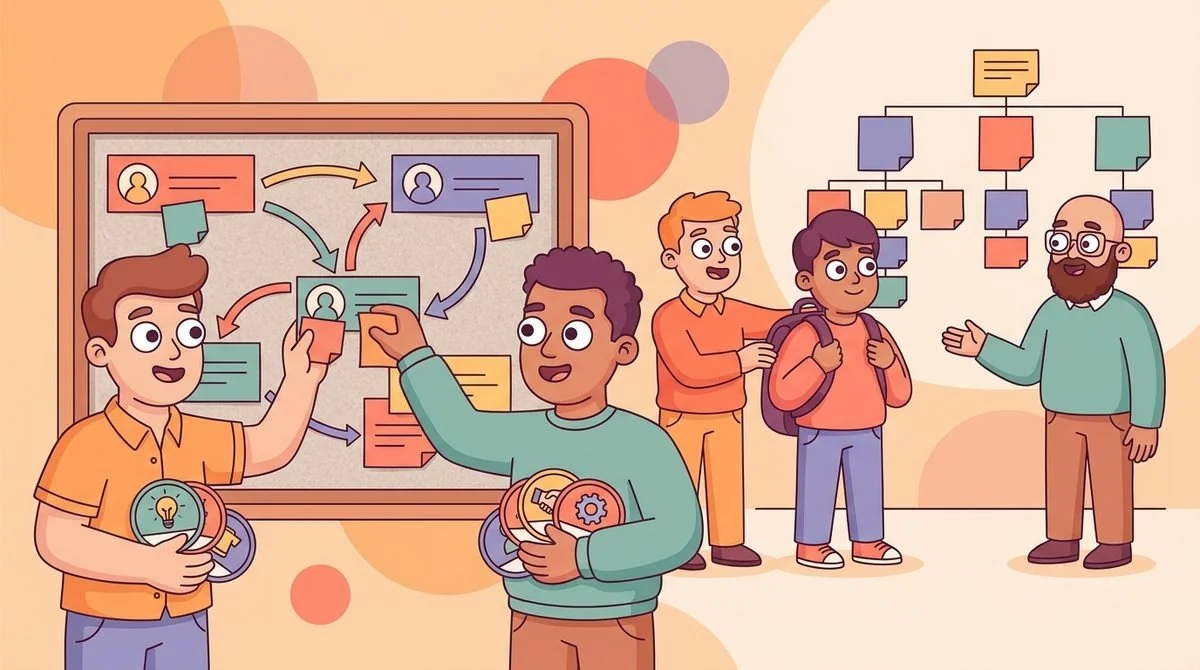
You do not need to turn every event into a formal program. Start with the moments where a conversation would clearly improve the employee experience. New hire welcomes are the obvious first use case. A new teammate needs an onboarding buddy, but they also need trust paths into the informal network: the people who know how decisions get made, where documents live, and which team norms are not written down.
Role changes are another useful trigger. When someone moves into a new function or manager seat, a short set of peer introductions can help them understand the new operating context faster. Work anniversaries can work too, especially when you invite experienced employees into mentoring pairs or knowledge-sharing chats instead of letting their institutional knowledge sit quietly in one department.
Once you choose the milestone, define the purpose in plain language. “Help new hires find an onboarding buddy.” “Help managers connect with peers who have solved similar problems.” “Help long-tenured employees share knowledge across teams.” That clarity prevents the program from becoming another social ritual with no business reason behind it.
Match people around the outcome, not the calendar event
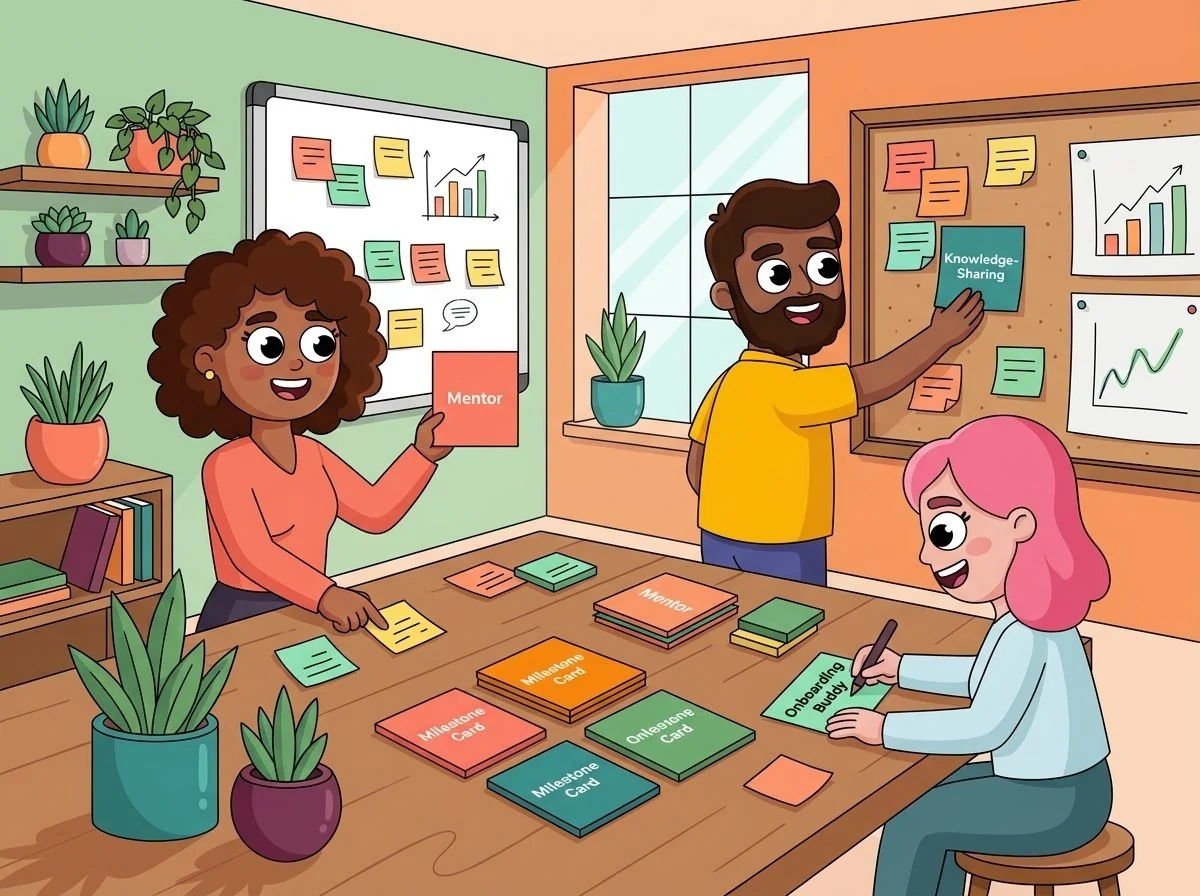
The biggest mistake is matching people only because an event happened. A new hire does not need a random coffee chat; they need an onboarding buddy who can answer early questions and help them understand how the organization really works. A teammate celebrating three years at the company might be a strong mentor for someone entering the same function. A newly promoted manager may need a peer in another department who can share practical lessons.
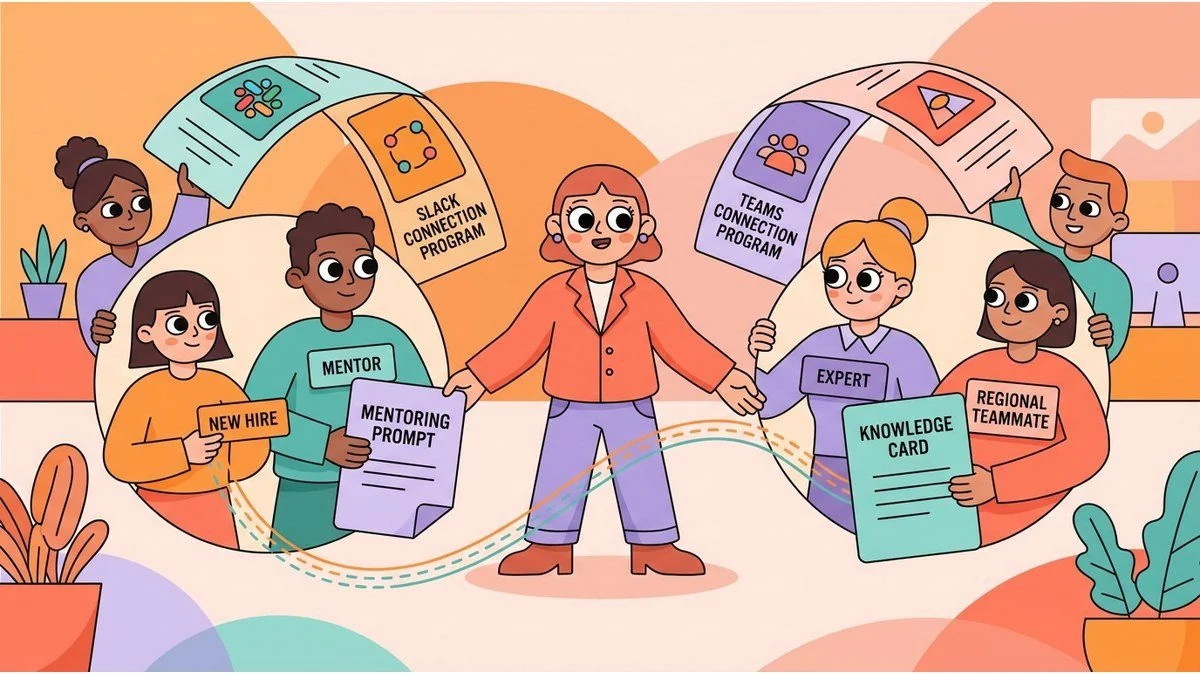
Use the milestone as the starting signal, then match around the outcome. Look at department, location, tenure, interests, skills, and program goals. If you are running employee matching in Slack or Microsoft Teams, the connection should feel lightweight for employees and manageable for HR. The best programs are structured enough to be useful, but not so complicated that your team has to manually coordinate every pair.
This is also where internal links between programs matter. A milestone program can point people toward an onboarding buddy program, a peer mentoring track, a cross-team knowledge-sharing habit, or a pulse survey that checks whether the connection helped. The milestone is not the whole strategy; it is the front door.
Give every match a simple conversation path
People are more likely to follow through when they know what the conversation is for. You do not need a long agenda. In fact, a long agenda can make the connection feel like another meeting. Give employees three practical prompts tied to the outcome.
For a new hire welcome, the prompts might be: “What do you wish you had known in your first month?” “Which team norms are easiest to miss?” “Who else should this person meet in the next two weeks?” For a work anniversary, try: “What knowledge do you hold that newer teammates often need?” “What repeated question could you help answer for others?” “Which project taught you the most about how this company works?”
These prompts turn a friendly moment into useful knowledge flow. They also help quieter employees participate without needing to invent a reason for the conversation. LEAD.bot supports this kind of practical connection because it works where employees already communicate, inside Slack and Microsoft Teams.
Measure whether connection actually improved
If you want milestone programs to keep leadership support, you need a basic feedback loop. Track more than match count. Ask whether employees met, whether the conversation was useful, and whether it helped them find a person, answer, or next step they would not have found otherwise.
Short pulse surveys are useful here because they keep the feedback close to the experience. You can ask one or two questions after the connection: “Did this conversation help you feel more connected to the team?” “Did you learn who to ask about a work topic?” “Would you recommend this connection to another teammate?” For more structure, connect the program to pulse surveys for employee connection programs so you can see what is working without overwhelming employees.
Over time, look for patterns. Which milestones create the most useful conversations? Which departments need more cross-functional introductions? Which groups have strong internal support, and which ones keep depending on the same few people? Those answers help you improve organizational network health without turning the program into a heavy analytics project.
Keep the admin model light
A milestone connection program should not create a coordination burden for HR. If every birthday, anniversary, new hire, or role change requires manual pairing, reminder writing, follow-up, and spreadsheet updates, the program will stall. The goal is a repeatable system with clear rules and small adjustments.
Set a few matching rules, create simple prompt templates, decide when reminders go out, and review results regularly. The program should feel personal to employees but light for the people running it.
LEAD.bot is built for this kind of structured team connection. It supports employee matching, onboarding buddies, celebrations, knowledge sharing, pulse surveys, and relationship intelligence in one practical workflow. Instead of treating milestones as isolated announcements, you can use them to start the right conversations and strengthen collaboration patterns across the company.
Make each milestone a door into the network
The strongest employee milestones do two things at once: they recognize the person and connect them to the organization. That connection is what turns a moment of appreciation into a durable people-ops system.
Start small. Pick one milestone, define the connection outcome, match people intentionally, give them a simple conversation path, and measure whether it helped. When you repeat that loop, celebrations become more than calendar automation. They become a practical way to build trust paths, move knowledge, and help employees feel connected to the people who can help them do their best work.