
Relationship Intelligence for Employee Connection Programs
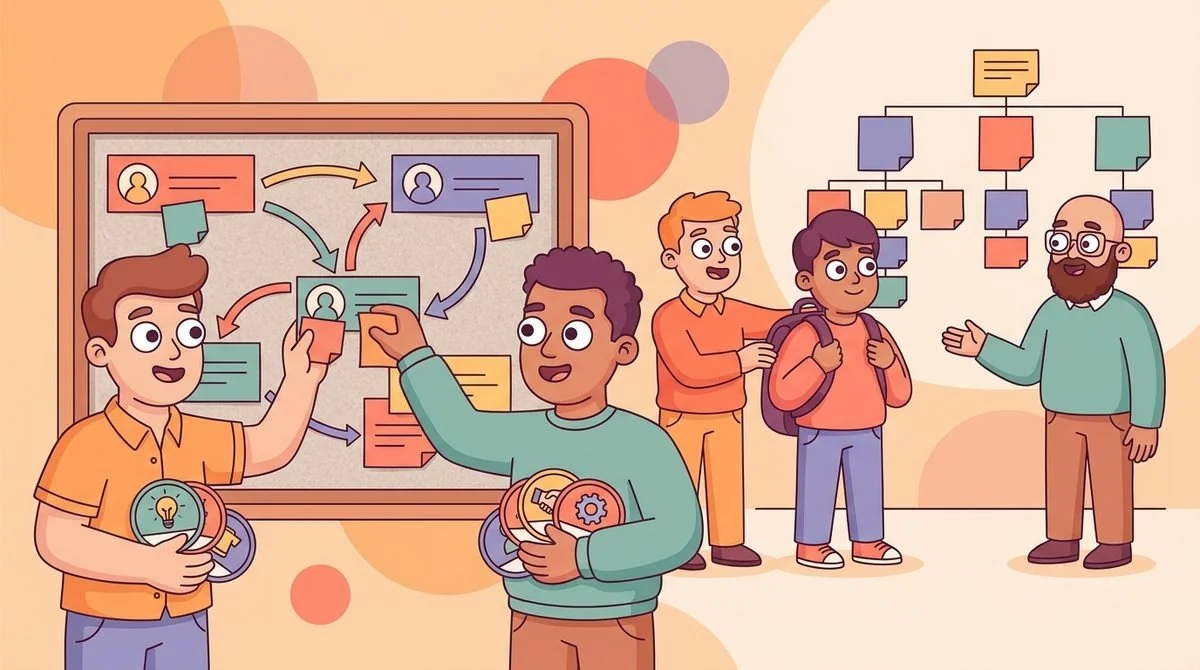
Relationship intelligence helps you see whether employee connection programs are creating useful trust paths, knowledge sharing, and cross-team collaboration—not just more calendar invites. If you only measure match count, you can miss whether people actually found the right buddy, mentor, expert, or teammate.
For people-ops teams, this matters because connection work is easy to launch and hard to sustain. A program can look active while new hires still feel lost and knowledge still travels through the same few overloaded employees. The better approach is to connect employee matching, pulse surveys, and organizational network health into one practical rhythm.
Why match count is not enough
Most connection programs start with a simple question: did the match happen? That is a useful first check, but it is not a business outcome. A virtual coffee chat may happen without changing how work gets done. A mentoring pair may meet once and disappear. An onboarding buddy may be assigned but never become the person a new hire trusts enough to ask real questions.
You need a broader view of relationship quality. Ask whether employees met someone who helped them solve a problem, understand a team norm, find a hidden expert, or feel confident asking for help again. Those are the moments that turn team connection from a social perk into a knowledge-sharing system.
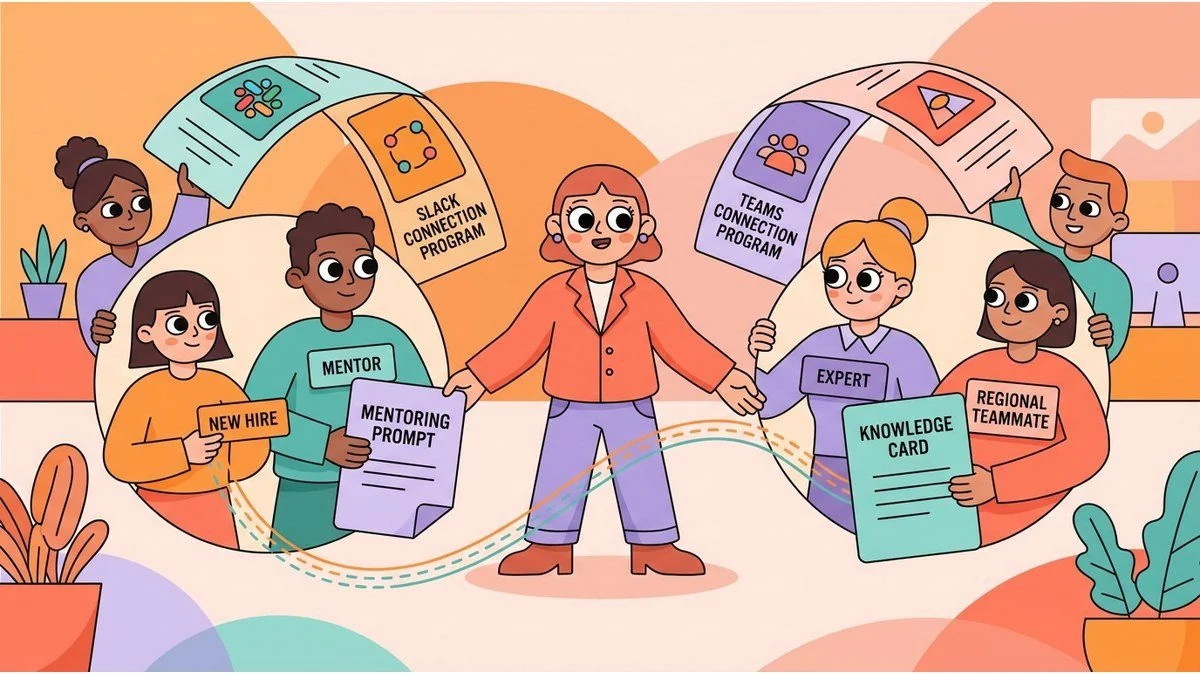
This is where LEAD.bot is useful. Because it supports structured matching, onboarding buddies, peer learning, pulse surveys, and relationship intelligence inside Slack and Microsoft Teams, you can run connection programs where employees already work and then look beyond attendance.
Start with the job each connection should do
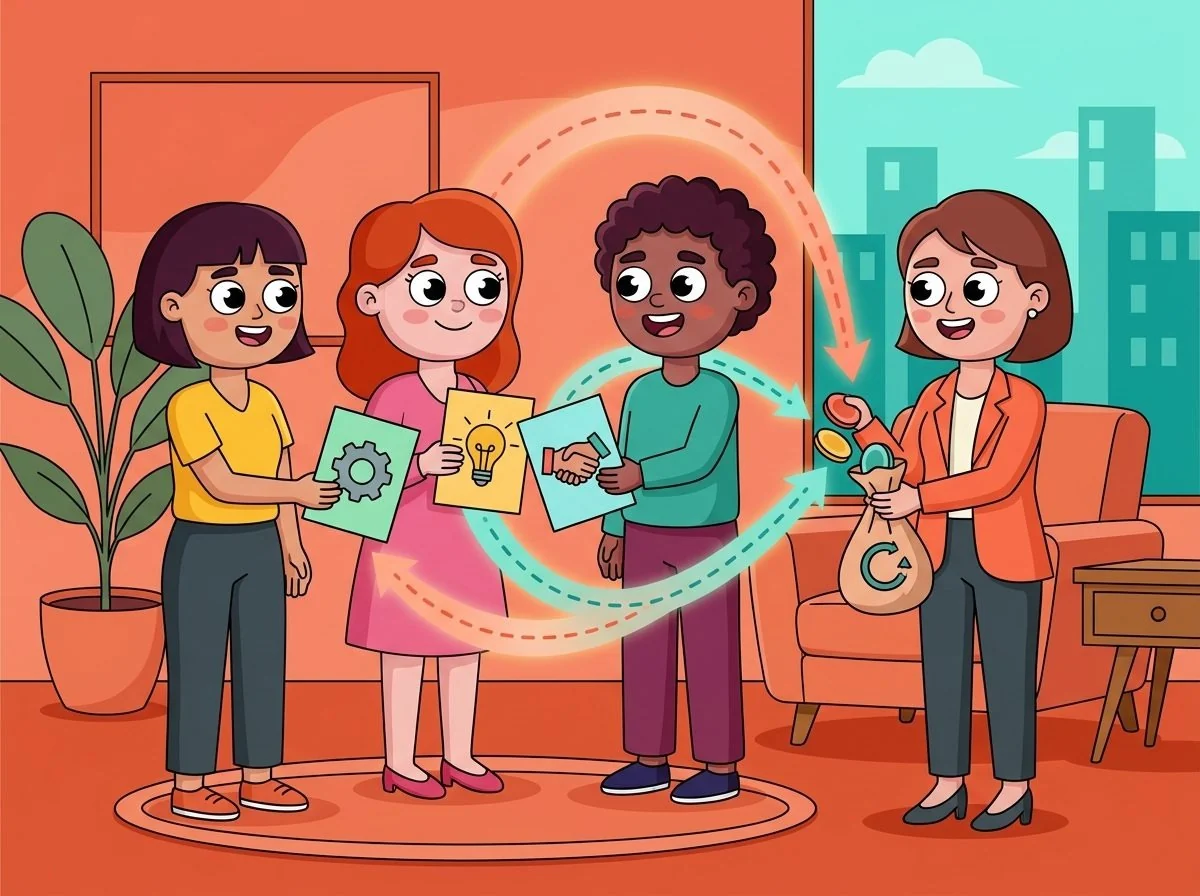
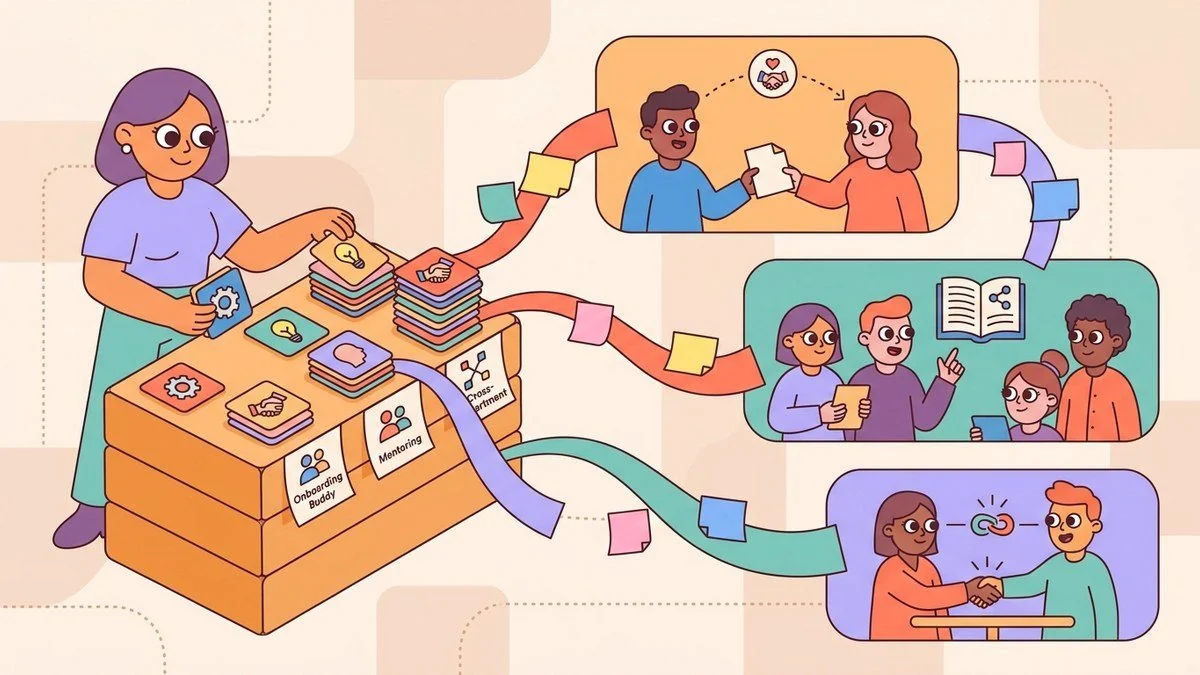
Before you measure a program, define the job of the match. A new-hire onboarding buddy program should shorten ramp time and make informal knowledge easier to access. A cross-functional connection program should reduce silos and help employees discover who knows what. A mentoring program should create skill-sharing paths beyond the same few senior people.
When the purpose is clear, the measurement becomes clearer too. For onboarding buddies, track whether new hires know who to ask about team norms, tools, and decision paths. For employee matching across departments, track whether employees learned something useful about another function or found a relevant collaborator. For mentoring, track whether employees gained a concrete skill, context, or next step.
If you are still designing the program, start with LEAD.app's guide to choosing an employee matching app for teams. The key is to avoid treating all matches as equal. A good program routes people toward the connection that helps them do real work better.
Use pulse surveys to capture what the calendar cannot
Calendar data can tell you whether two people met. It cannot tell you whether the meeting built trust, improved clarity, or helped someone navigate the organization. Short pulse surveys fill that gap when they are specific and lightweight.
After a match, ask two or three questions. Did this connection help you find useful context? Do you know who to ask next time? Was the match relevant to your role, location, interest, or current challenge? Keep the questions practical. Employees are more likely to respond when the survey feels connected to the experience they just had.
LEAD.bot includes pulse surveys so people teams can collect quick feedback without running a separate survey project. If you need examples, this LEAD.app article on pulse survey examples for employee engagement is a helpful starting point. The goal is not to create a long research instrument. The goal is to hear whether the program is producing useful connections.
Look for knowledge flow, not just engagement
Employee connection programs often get placed under engagement, but their strongest value is knowledge flow. The right match can help a new hire understand how decisions really happen. It can help an employee in one region find a peer who already solved the same customer issue. It can help a manager spot potential leaders who are quietly becoming trusted information routes.
That is why relationship intelligence should include signs of organizational network health. Are the same people acting as bridges again and again? Are some departments disconnected from the rest of the company? Are new hires connecting only with their direct team, or are they building broader trust paths? Are knowledge requests moving across functions, or staying trapped in local silos?
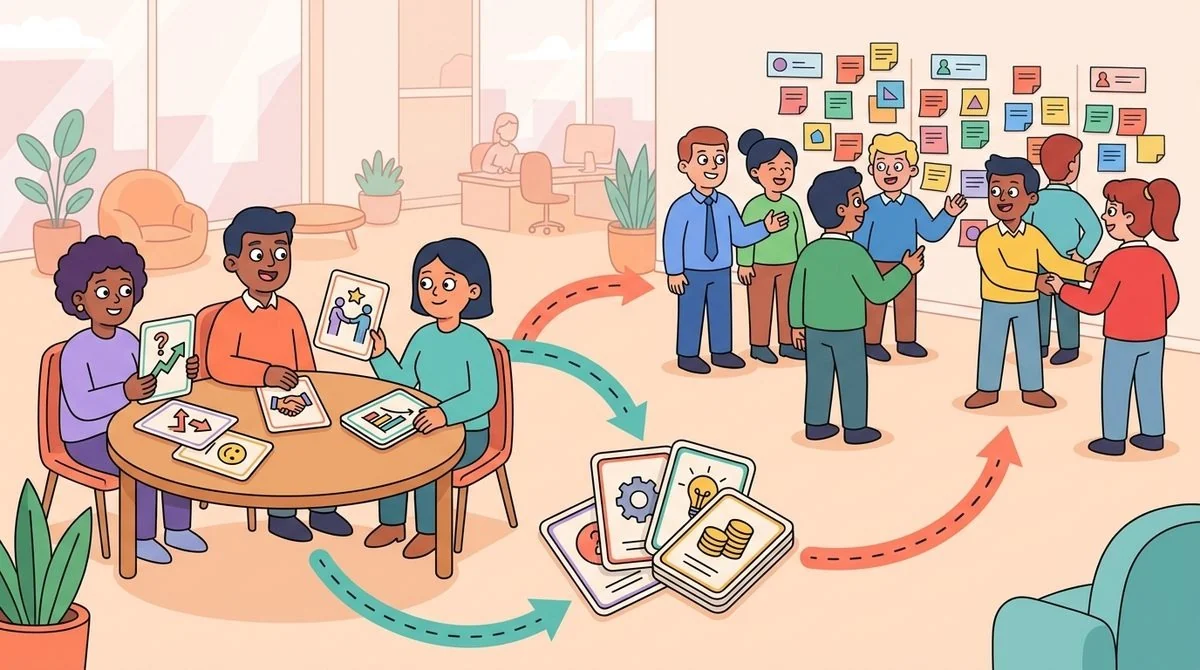
You do not need to make this complicated. Review connection patterns, pulse feedback, and program participation together. If a cross-team program is working, you should see more useful introductions, broader participation, and fewer repeat questions stuck inside one department. LEAD.app's guide on how to break departmental silos with cross-team connection programs shows how these programs become operating infrastructure.
Build a monthly review rhythm
Relationship intelligence works best as a monthly habit. Pick a small set of metrics your people team can actually review: match completion, relevance score, new-hire confidence, knowledge-sharing usefulness, cross-team participation, and repeat connection requests. Then make one improvement before the next cycle.
If matches are happening but relevance is low, adjust the matching logic around skills, interests, role, location, or department. If new hires like their buddies but still do not know where to find key context, add a knowledge-sharing prompt. If one department is underrepresented, create a dedicated cross-functional round.
This is also where automation matters. Manual connection programs break as headcount, locations, and use cases grow. LEAD.bot is designed for set-and-forget programs in Slack and Microsoft Teams, so you can run onboarding buddies, mentoring, virtual coffee chats, and knowledge-sharing matches without rebuilding the process every month.
Turn connection data into better programs
The purpose of measurement is not to prove that people talked. It is to improve the next match. If employees say matches are friendly but not useful, tighten the program goal. If new hires say their buddy was helpful but too far from their role, adjust the pairing criteria. If cross-team matches produce strong feedback, expand that program.
You can also use relationship intelligence to spot leadership and risk signals. People who repeatedly help others find context may be informal leaders. Teams with low cross-functional connection may face duplicated work or slow collaboration. New hires with few trust paths may need earlier support. These are practical people-ops insights, not abstract analytics.
LEAD.bot's Premium Plan includes workforce and relationship intelligence features grounded in organizational network analysis, while the Standard and Engagement plans support the programs that create those connection moments. Across more than 2,000 organizations installed, the lesson is simple: connection works best when it is structured, measured, and easy to join.
What to do next
Start by choosing one connection program you run or want to improve. Write down the job it should do, the match criteria that matter, and the two survey questions that will tell you whether it worked. Then review results monthly and make one adjustment at a time.
If you are running these programs by spreadsheet, you will quickly hit the limit. A better system matches employees inside tools they use, gathers quick feedback, and shows whether trust paths and knowledge sharing are improving. That is how employee connection becomes part of organizational network health—not just another meeting on the calendar.