How to Run Employee Connection Programs Without Manual Matching
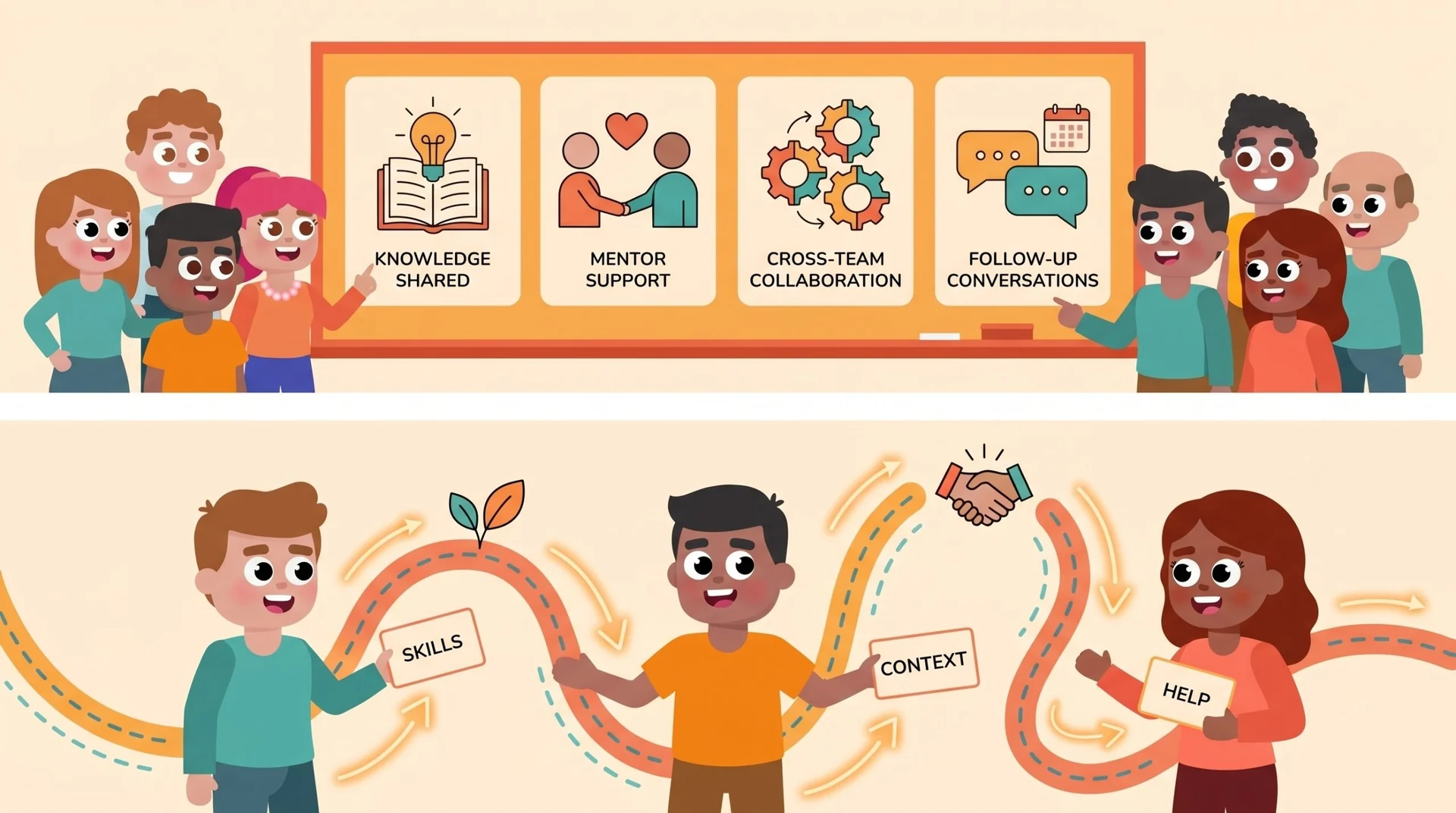
An employee connection program works when the right people meet for a clear reason, at the right moment, without your People team manually coordinating every introduction. The practical way to do that is to define a few repeatable programs, such as onboarding buddies, mentorship, and cross-team knowledge sharing, then let LEAD.bot manage the matching, reminders, and follow-up inside Slack or Microsoft Teams.
Manual matching usually starts with good intent. Someone on HR keeps a spreadsheet, asks managers for buddy suggestions, pairs new hires with friendly employees, and nudges people when meetings do not happen. That can work for a small team. It breaks once you have multiple departments, hybrid schedules, new locations, role changes, and busy managers who are not always sure who should meet whom.
The risk is not just administrative load. When matching stays manual, the same visible employees get tapped again and again, new hires miss quieter experts, and cross-functional knowledge moves only through existing relationships. A stronger employee connection program gives you structure without making every connection feel scripted.
Start With the Outcome, Not the Calendar Invite
Before you set a cadence, decide what the connection is supposed to accomplish. A weekly coffee chat, an onboarding buddy program, a mentorship round, and a cross-team knowledge exchange are different workflows. They should not use the same match rules just because they all produce a meeting.
For onboarding, your goal is speed to belonging and practical context. A new hire may need one buddy close to their function, one person who understands company norms, and one cross-team contact who helps them see how work gets done beyond the org chart. For mentorship, your goal may be career growth, peer learning, reverse mentoring, or skill sharing. For knowledge sharing, your goal is to help employees find who knows what before they duplicate work or make avoidable decisions.
This is where new hire onboarding with LEAD.bot becomes more useful than a spreadsheet. You can structure buddy matching around department, role, interests, and program intent, then keep the experience inside the tools employees already use.
Build Separate Programs for Different Connection Jobs
A common mistake is to launch one broad connection program and expect it to solve every people problem. That usually creates mixed expectations. One employee thinks they are joining a casual social chat. Another expects a mentor. A new hire needs practical help. A senior leader wants better cross-team visibility. The meeting happens, but the purpose is vague.
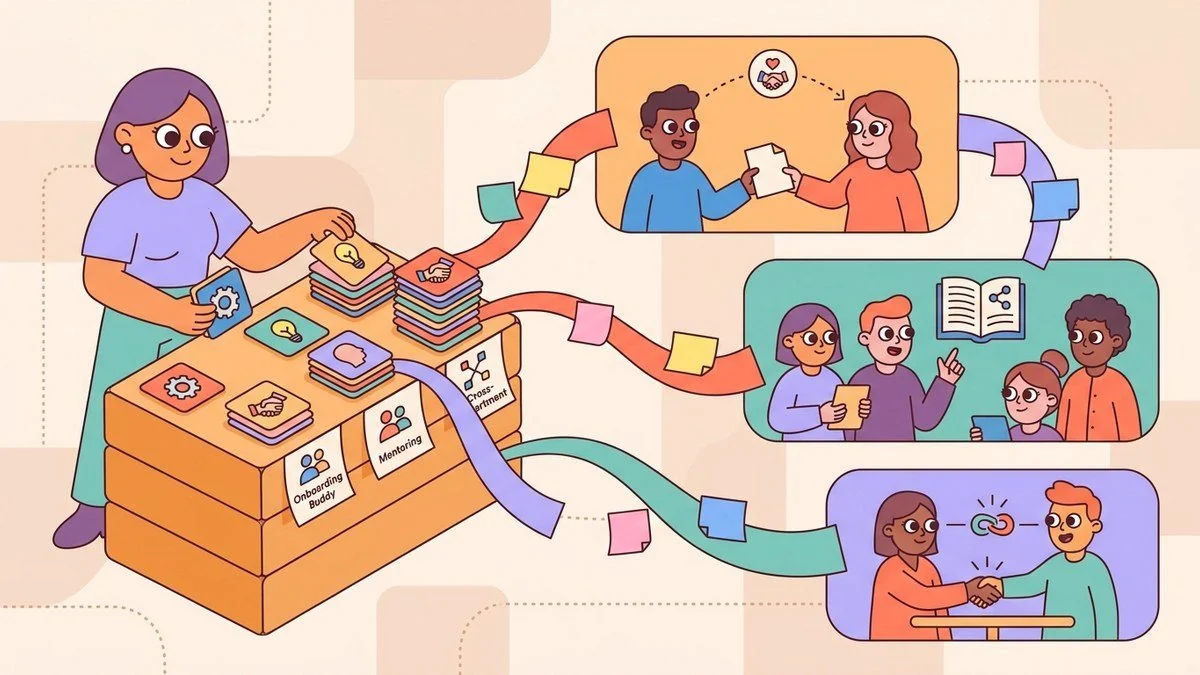
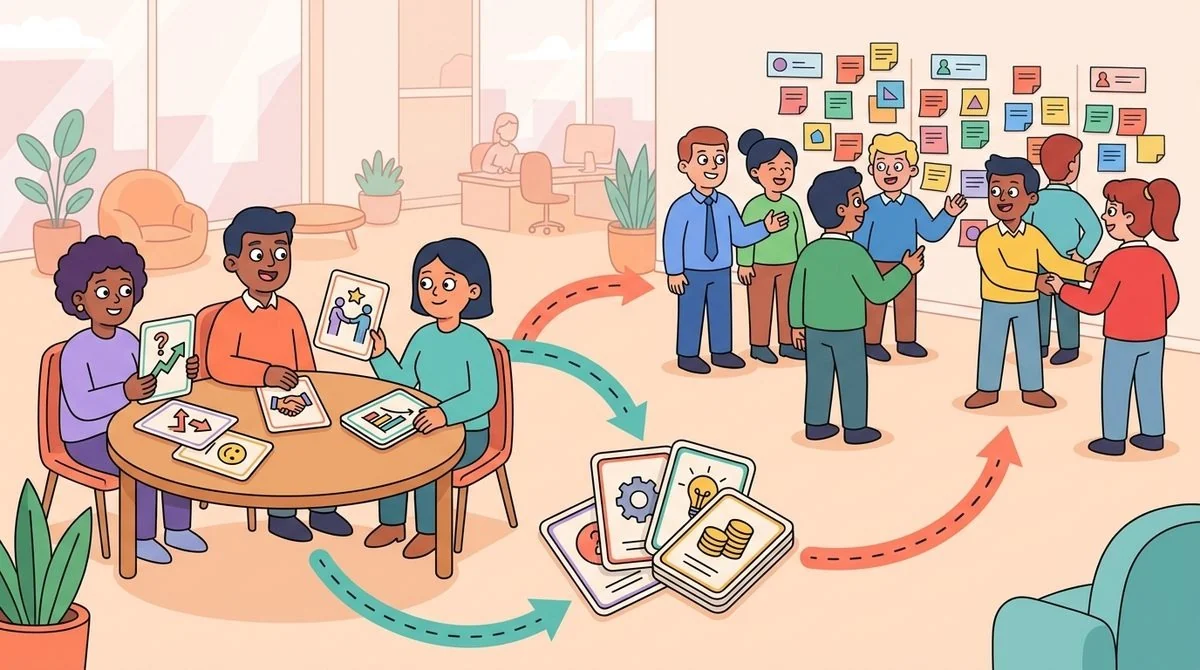
Instead, create a small portfolio of connection programs. Start with three: onboarding buddies, mentorship or peer learning, and cross-team introductions. Each program should have its own audience, matching logic, message, and follow-up question. That keeps the experience clear for employees and easier to evaluate later.
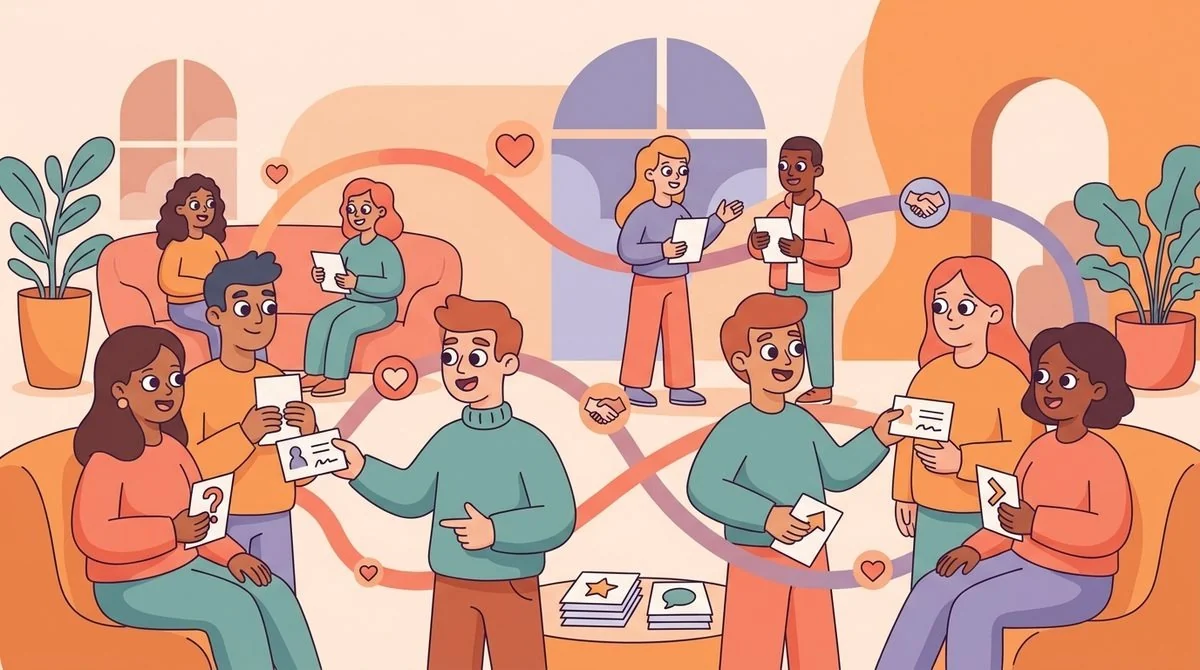
In LEAD.bot, matching can support random, cross-team, manual, and smart programs based on skills, interests, and profile data. That means you can run lightweight virtual coffees for broad connection while also running more intentional programs for onboarding, mentoring, and knowledge sharing.
Reduce Admin Work With Set-and-Forget Rules
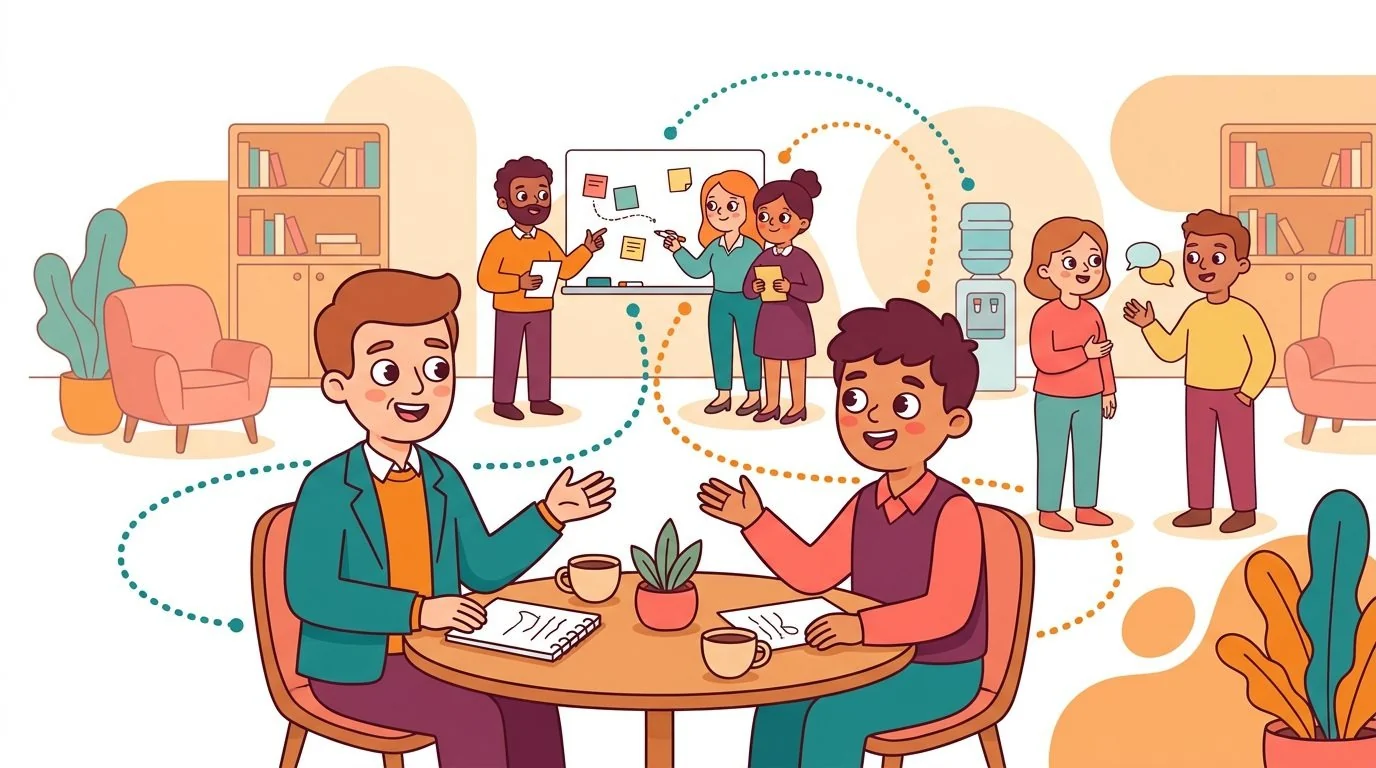
The best connection program is not the one with the most complicated setup. It is the one your team can keep running after the launch excitement fades. People teams are already managing onboarding, engagement surveys, manager enablement, internal communications, and change programs. A connection program should reduce coordination work, not become another recurring manual task.
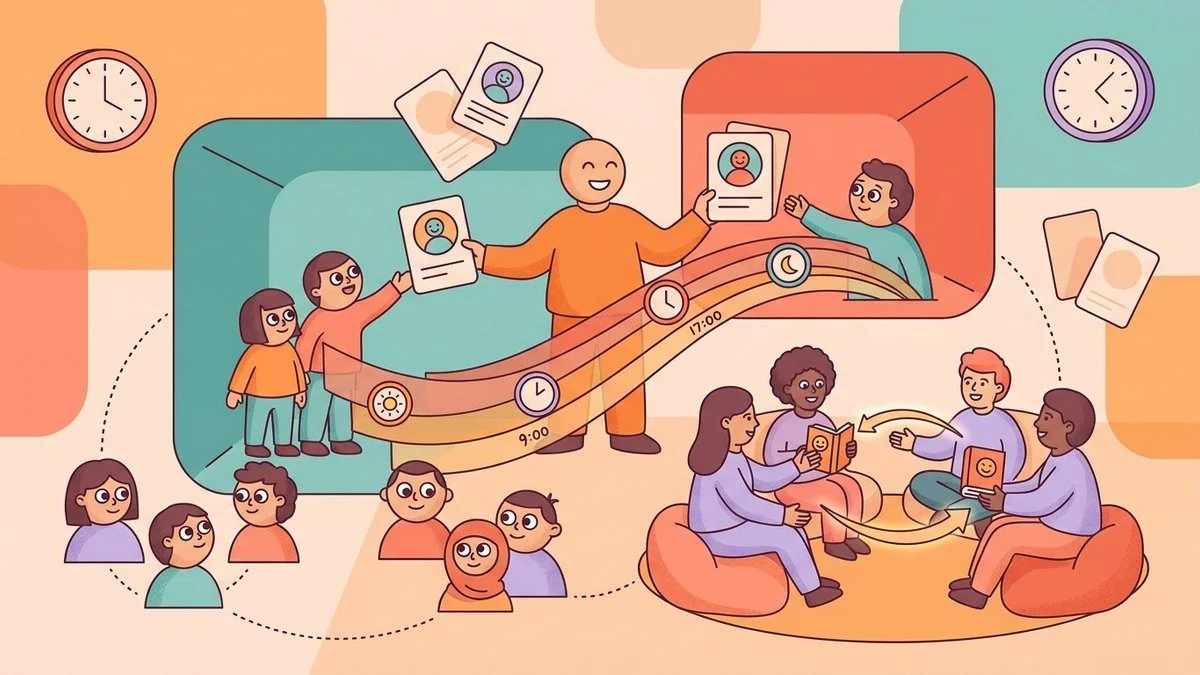
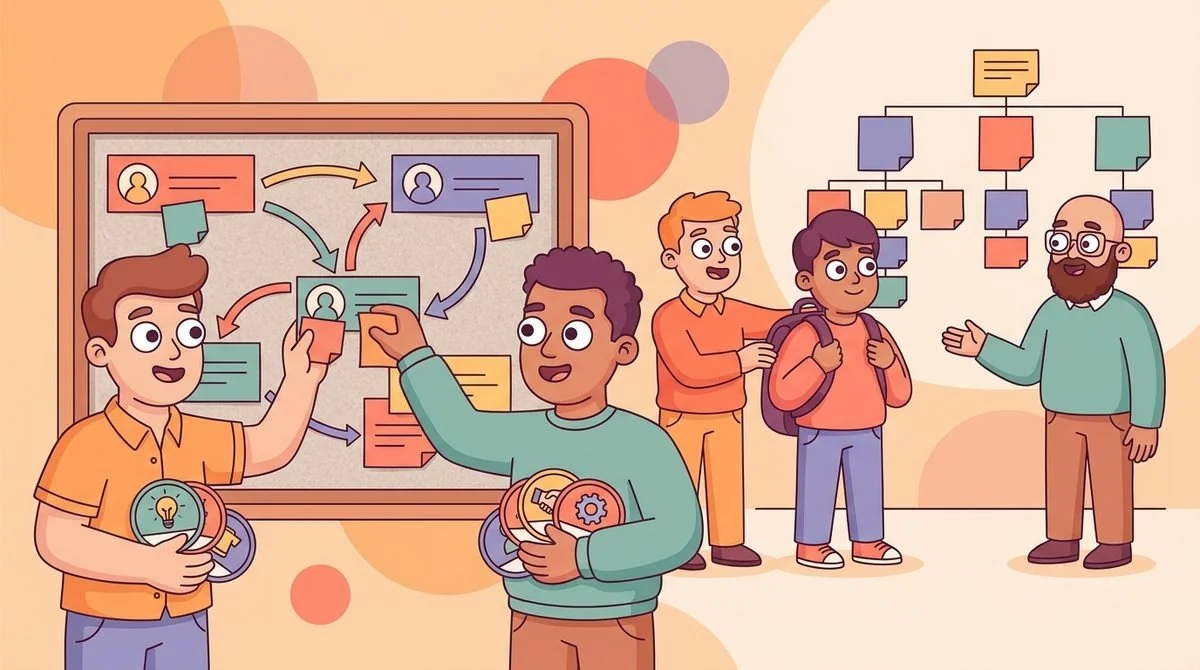
Use rules that make the program easy to maintain. Decide who is eligible, how often matches should happen, what kind of overlap or difference matters, and when reminders should go out. For example, an onboarding buddy workflow might match new hires with experienced colleagues in adjacent teams. A mentoring workflow might match people by learning goals and seniority. A knowledge-sharing workflow might connect employees across regions or functions that rarely meet.
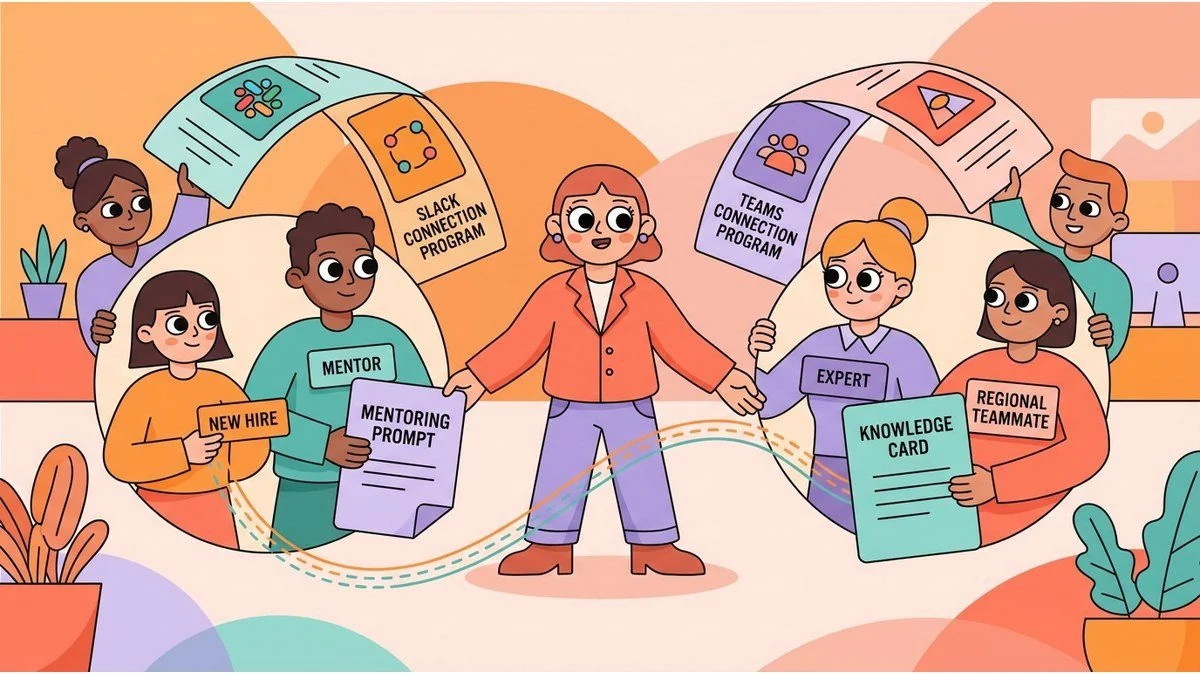
LEAD.bot mentorship and peer learning programs are built for this kind of repeatable workflow. Once the program is configured, LEAD.bot can handle introductions, reminders, and surveys in Slack or Microsoft Teams, so your People team is not chasing every pair manually.
Use Follow-Up Data to Improve the Next Match
Connection programs need feedback loops. Otherwise, you only know that introductions were sent, not whether they helped. Meeting volume is not enough. You need to understand whether employees found the match useful, whether conversations happened, and whether the program is building stronger paths across the organization.
Keep feedback short. After each round, ask whether the introduction was relevant, whether the conversation happened, and whether the employee wants more connections like it. Over time, this helps you improve program rules and spot where connection gaps remain. It also helps prevent the common failure pattern where the first few rounds feel promising, then participation drops because employees do not see the value.
LEAD.bot includes pulse surveys, post-match feedback, and relationship intelligence options, so you can learn from participation without turning the program into a heavy research project. The goal is practical: better matches, stronger knowledge flow, and less guesswork for HR.
Make the Program Feel Useful to Employees
Employees are more likely to join when they understand why the match matters. Do not frame every introduction as generic networking. Tell people what kind of conversation they are entering. A new hire buddy match can focus on navigating the first month. A mentorship match can focus on growth goals. A cross-team match can focus on current work, shared customers, handoffs, or knowledge gaps.
Give each program a simple prompt. For onboarding buddies, ask: What do you wish you had known in your first 30 days? For cross-team knowledge sharing, ask: What does your team rely on that other teams often miss? For mentorship, ask: What skill or decision pattern are you trying to build this quarter?
These small prompts make the conversation easier to start and more likely to produce something useful. They also help employees see the difference between a random chat and a purposeful connection.
Where LEAD.bot Fits
LEAD.bot is an all-in-one platform for mentoring, networking, and knowledge sharing. It works inside Slack and Microsoft Teams, and it is installed by 2,000+ organizations across industries. For People teams, the value is simple: you can create structured connection programs without managing every match by hand.
Use LEAD.bot when you want onboarding buddies to happen consistently, mentorship to reach more employees, cross-functional collaboration to become easier, and knowledge sharing to move through real relationships. You can start with one program, learn from the data, and expand into additional workflows as your organization grows.
If your current process depends on spreadsheets, calendar nudges, and the same few well-connected employees, it is time to make connection more intentional. Start with one repeatable program, choose a clear outcome, and let LEAD.bot help the right people meet at the right time.
Explore LEAD.bot for employee connection programs or review the LEAD.bot Slack experience to see how structured matching can run inside the tools your team already uses.