
Trust Paths: How to Make Knowledge Sharing Work Across Teams
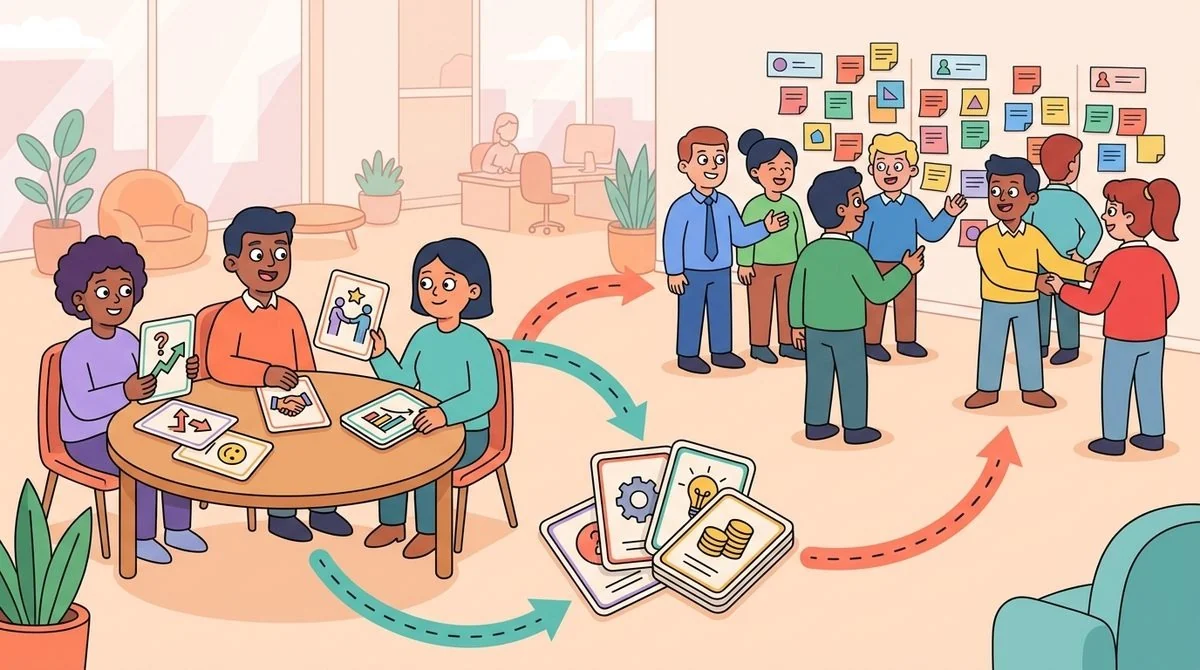
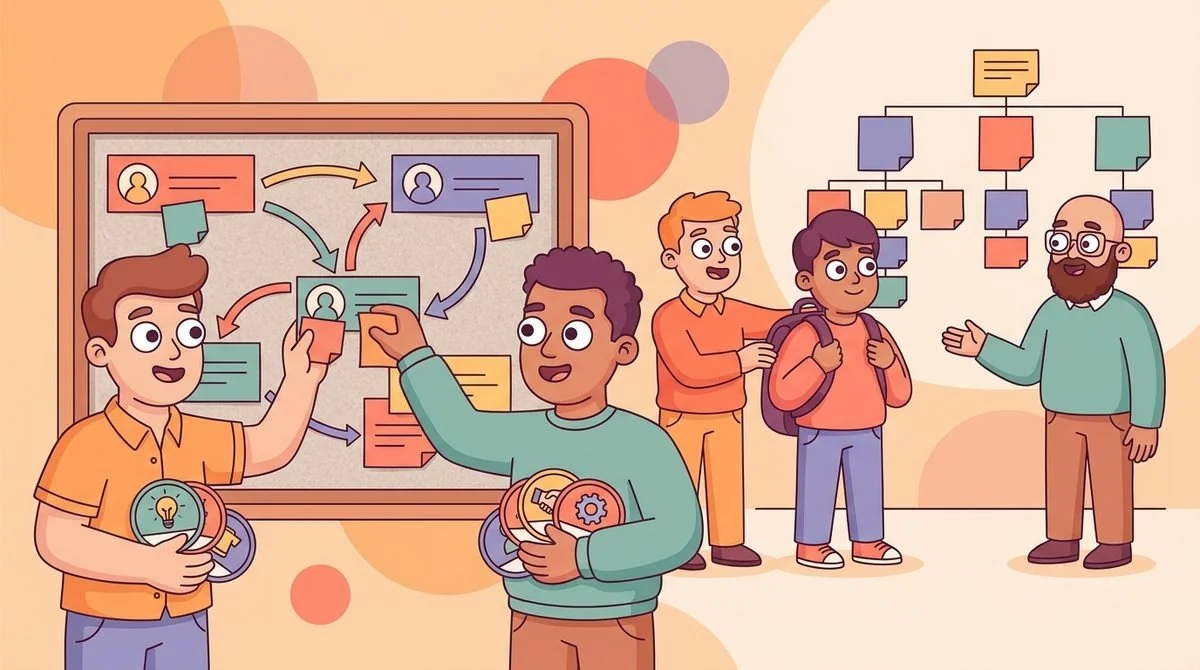
A trust path is the practical route someone uses to find help from the right person, not just the closest person on the org chart. If you want knowledge sharing to work across teams, make those routes visible, repeatable, and easy to start inside the tools employees already use. LEAD.bot helps you build those paths through structured matching, onboarding buddies, mentoring pairs, and cross-team connection programs in Slack and Microsoft Teams.
Most knowledge-sharing programs fail because they assume information moves cleanly through documents, channels, or manager cascades. In real teams, people usually ask someone they trust first. That works when the trusted person knows the answer, but it creates bottlenecks when the same few connectors absorb every question.
Your goal is not to replace trust with another database. Your goal is to widen the trusted paths people can use when they need context, expertise, or a human explanation that a wiki cannot provide.
Why knowledge sharing needs trust, not just access
Access is necessary, but it is not enough. A new hire may have access to the handbook, the shared drive, and the project channel, yet still hesitate to ask a question because they do not know who is safe to interrupt. A regional manager may know another region solved the same issue, but never find the person who handled the edge case.
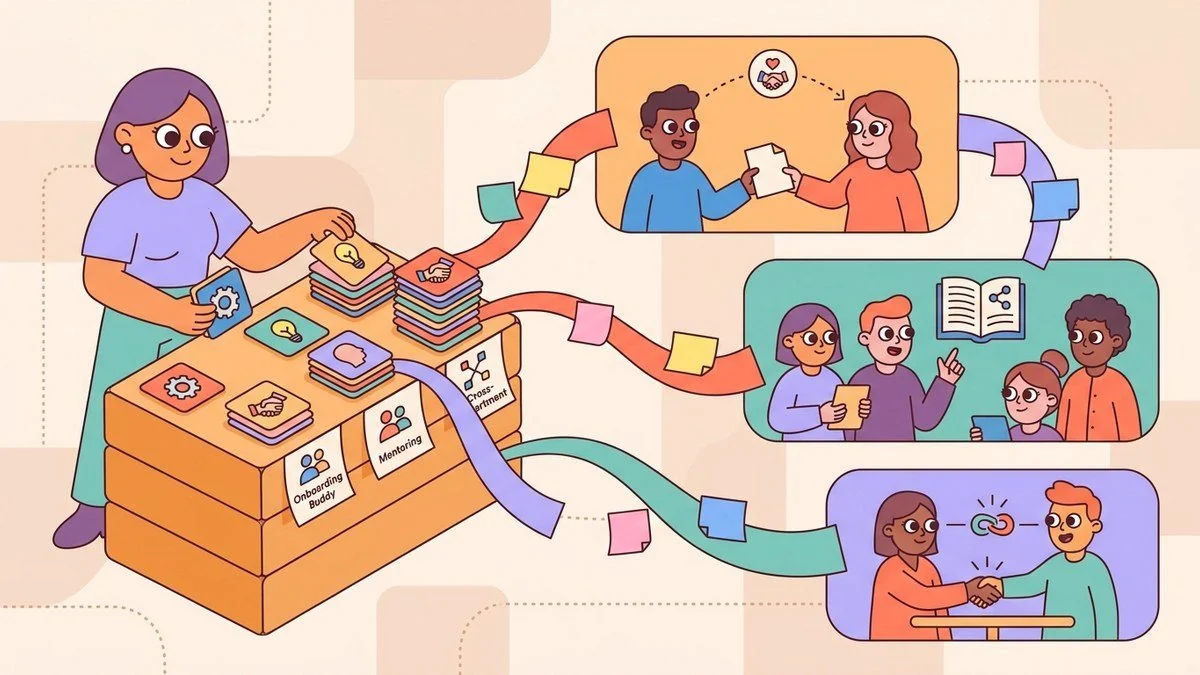
Trust paths solve that human gap. They give employees a low-friction way to reach someone with relevant context, shared experience, or adjacent expertise. The path might be an onboarding buddy, a peer mentor, a cross-functional coffee match, or a knowledge-sharing pairing around a specific skill.
This is why random matching alone can feel pleasant but inconsistent. Structured matching turns connection into a business workflow: route a new hire to someone who understands their role, connect a product manager to a customer-facing expert, or help finance and operations exchange hard-won process knowledge.
Map the moments where people need a human route
Start by identifying the moments where employees repeatedly need human context. Do not begin with a broad promise like "improve culture." Begin with specific work moments where the right introduction saves time, reduces confusion, or helps someone act with more confidence.
For onboarding, the moment might be week one, when a new hire needs a buddy who can explain how work actually gets done. For knowledge sharing, it might be a monthly pairing between people with complementary skills. For cross-functional collaboration, it might be a recurring program that connects teams that depend on each other but rarely talk informally.
LEAD.bot supports these use cases by helping you run matching programs for team connection, employee matching, onboarding buddies, mentoring, and knowledge sharing. You can start with a simple connection goal, then expand as you learn which relationships create useful follow-up conversations.
Design matching rules around purpose
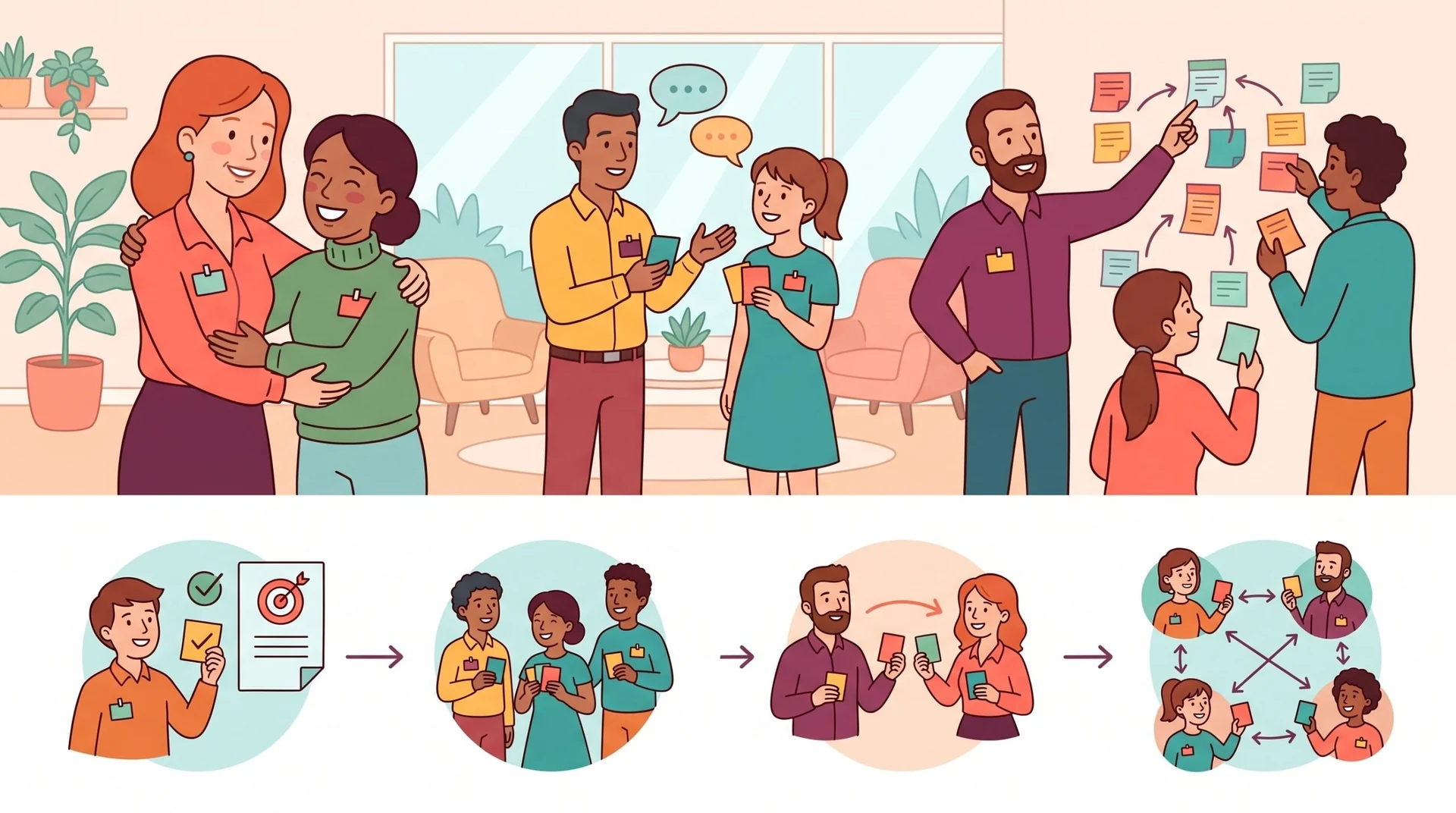
A trust path becomes stronger when the match has a clear reason. If you are building onboarding buddies, match for role relevance, location, department, seniority comfort, or shared work context. If you are building knowledge-sharing pairs, match around skills, interests, project experience, or cross-team dependencies.
Keep the first version simple. A good prompt can help: "Ask what knowledge is hard to find in your team," "Share one process shortcut you wish you had learned earlier," or "Introduce one person the other person should know next." These prompts turn the match into a useful exchange instead of a calendar filler.
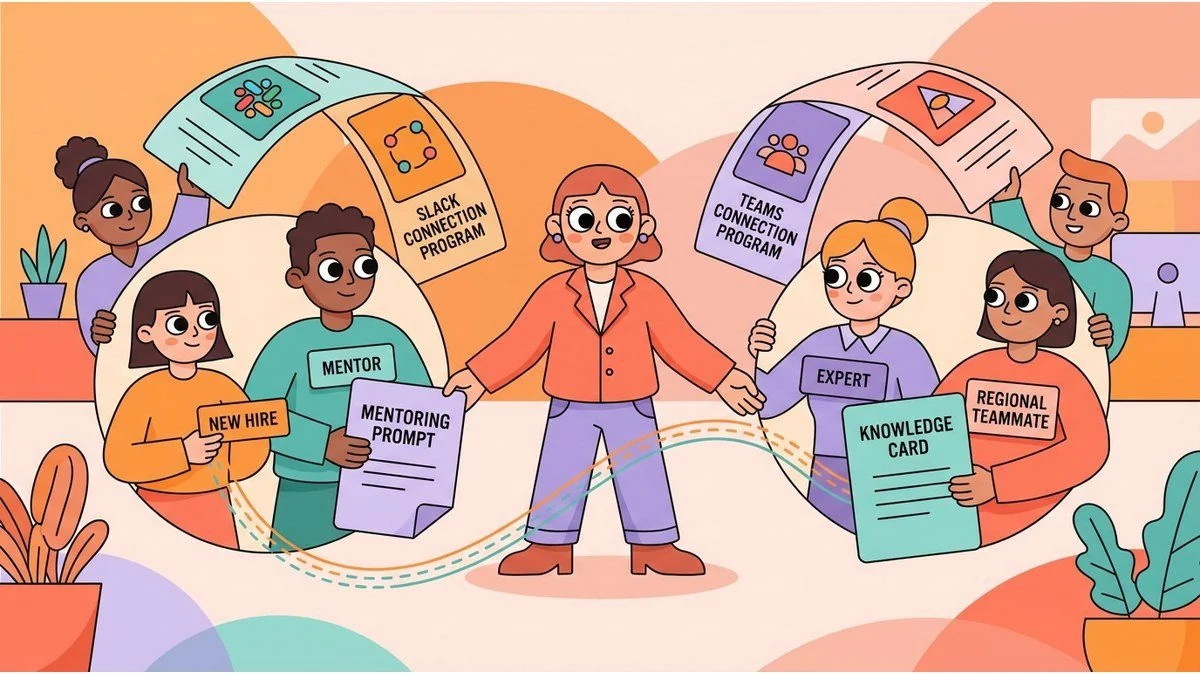
LEAD.bot works inside Slack and Microsoft Teams, which matters because trust paths should live where employees already communicate. When a match, reminder, or follow-up prompt appears in the flow of work, the program needs less admin chasing and feels more natural to employees.
Use onboarding buddies as your first trust-path program
Onboarding is the easiest place to prove the value of trust paths. New hires need a safe person for small questions, a guide to informal norms, and introductions to people outside their immediate manager chain. Without that route, they either guess, wait, or repeatedly ask the same overloaded teammate.
Build a buddy program with three layers. First, connect the new hire to a buddy who can explain day-to-day norms. Second, add one cross-functional introduction related to the new hire's role, such as customer success, operations, product, or finance. Third, schedule a follow-up touchpoint after the first few weeks.
This approach maps directly to LEAD.bot's onboarding buddy and employee matching use cases. It also supports the approved LEAD.bot outcome of speeding up employee integration by giving new hires practical access to people, not just documents.
Measure whether paths are widening
You do not need to measure every conversation. You need to know whether more people are building useful bridges across the organization. Track participation, repeat matches, follow-up conversations, and simple pulse feedback after a program cycle.
For mature teams, relationship intelligence and organizational network analysis can reveal whether connection is concentrated in a small group or distributed more broadly. LEAD.bot's Premium plan includes ONA-powered engagement surveys and relationship intelligence for understanding organizational efficiency, leadership risks, and knowledge networks. Use that visibility to improve the program, not to turn human connection into surveillance.
Make the program light enough to keep running
The hidden cost of many people programs is manual coordination. Someone has to collect names, pair people, send reminders, answer questions, and restart the program when momentum drops. If that work depends on one HR owner, the program fades when priorities change.
Use automation for the repetitive parts: enrollment, matching, reminders, celebrations, and pulse check-ins. Keep the human judgment for program design, sensitive exceptions, and interpreting what the results mean. That balance lets you run structured connection programs without turning HR into a scheduling desk.
If you are evaluating tools, look for one that supports the specific path you want to build: onboarding buddies, mentoring, knowledge sharing, cross-department connections, pulse surveys, or organizational network health. You can learn more on the LEAD.app homepage, see connection in practice in the employee engagement guide, or compare tool tradeoffs on the LEAD.app comparison page.
A simple 30-day rollout
In week one, choose one use case and one audience. In week two, set matching rules and prompts. In week three, launch the program inside Slack or Microsoft Teams and make participation easy. In week four, review participation and pulse feedback, then adjust the next cycle.
That is the operating rhythm behind strong trust paths: choose a real work moment, connect the right people, make the next conversation easy, and learn from the pattern. When you repeat that loop, knowledge sharing becomes less dependent on who already knows whom and more available to the whole organization.