How to Write a Virtual Coffee Chat Email That Gets Replies
Your virtual coffee chat email does more than schedule a casual meeting. It tells the other person why you are reaching out, why the conversation matters, and how easy it will be to say yes. When the message feels vague or generic, it gets ignored. When it feels specific and human, it opens the door to a real conversation.
If you want more replies, keep the note short, personal, and easy to act on. In this guide, you will learn how to write a virtual coffee chat email that feels thoughtful without sounding formal or forced. You will also see how tools like LEAD.bot virtual coffee chat workflows can make those introductions easier to manage.
Start with a clear reason for reaching out
The best virtual coffee chat email starts with context. Do not make the other person guess why they were picked. Tell them what sparked the outreach. Maybe you work on related projects. Maybe a teammate suggested they would be helpful to talk to. Maybe you are trying to connect people across teams who do not usually meet.
One sentence is enough. The goal is not to tell your whole story. The goal is to make the message feel intentional.
What good context sounds like
Instead of saying, “I would love to connect,” say something more grounded, like: “I saw you led the onboarding update for your team, and I would love to hear what worked.” That line gives the recipient a reason to engage. It also makes your virtual coffee chat email feel real instead of mass sent.
Use a subject line that sounds easy to answer
Your subject line should tell the person what the email is about right away. Short and direct works best. You do not need to be clever. You just need to make the ask obvious.
- Quick virtual coffee chat next week?
- Would you be open to a 20 minute coffee chat?
- Intro coffee chat about onboarding ideas?
A good subject line lowers the effort needed to open the message. That matters when your email lands in a crowded inbox.
Keep the body short and personal
A strong virtual coffee chat email usually fits in 100 to 150 words. That is enough room to introduce yourself, explain the reason for the note, and suggest the next step. Anything longer starts to feel heavier than the meeting itself.
Use the person’s name. Mention one specific detail. Then move quickly to the ask. You are not trying to impress them. You are trying to make the conversation feel relevant and easy.
A simple structure that works
You can use this flow almost every time:
- Who you are
- Why you are reaching out to them specifically
- What you would like to talk about
- A simple scheduling ask
That structure keeps your virtual coffee chat email focused. It also shows respect for the other person’s time.
Make the benefit visible
People are more likely to reply when they can see why the conversation will be useful. That does not mean you need to promise something big. It just means the email should make the purpose clear. Maybe the chat will help a new hire learn how another team works. Maybe it will help two peers compare workflows. Maybe it will help someone expand their internal network without a formal meeting.
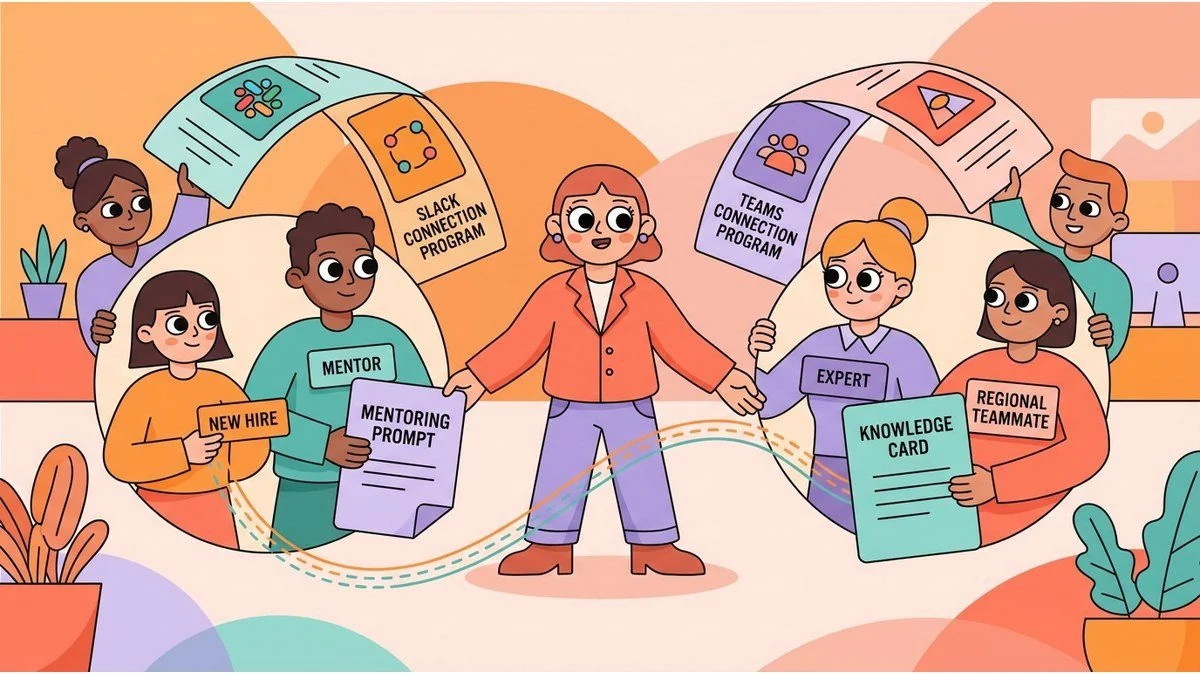
This is where connection tools often fail. They create introductions, but they do not always explain why the match matters. If you want better outcomes, your virtual coffee chat email should give the recipient a reason to care. That is also why companies use tools such as LEAD.bot features for team connection to add more context around introductions.
Suggest time options, but stay flexible
Do not end the email with a vague “Let me know if you are interested.” That puts the work on the other person. Instead, suggest two or three possible times. Then leave room for them to propose another option if needed.
For example, you could write: “Would Tuesday at 2 PM or Thursday at 10 AM work for a quick virtual coffee chat? Happy to adjust if another time is easier.” That feels clear, but not rigid.
If your team already uses a scheduling system, you can also include one clean next step. Just make sure the process feels lighter, not more complicated.
Example of a better virtual coffee chat email
Here is a simple version you can adapt:
Hi Maya,
I work on customer success, and a teammate mentioned you have done a great job helping new hires ramp quickly on the product side. I would love to set up a short virtual coffee chat to hear what has worked well for your team and compare notes from our side.
Would you be open to 20 minutes next week? Tuesday at 2 PM or Thursday at 10 AM could work on my end, but I am happy to adjust.
Thanks,
Alex
This example works because it is specific, respectful, and easy to answer. It gives context, explains the value, and offers a clear next step.
Common mistakes to avoid
Even a well meant virtual coffee chat email can fall flat if it creates extra work or sounds too generic. Watch for these common issues:
- Too much background before the actual ask
- No explanation for why the person was chosen
- A vague benefit, like “I would love to connect”
- No suggested times or next step
- A tone that sounds copied and pasted
If your message feels like it could be sent to anyone, rewrite it until it feels like it belongs to one person.
Make introductions easier to scale
Writing one good email is useful. Making this process consistent across your team is even better. As connection programs grow, people need more than random matches. They need context around why the introduction matters and a simple way to follow through.
That is where a thoughtful system helps. When your team combines warm outreach with better matching and lightweight scheduling, more introductions turn into real conversations. A strong virtual coffee chat email is a small piece of that, but it often determines whether the interaction happens at all.
If you want to create more meaningful connections inside your company, start by improving the message that opens the door. A clear, personal virtual coffee chat email makes it much easier for people to say yes.